Generate the shot you never filmed
Generate the shot your footage is missing with Veo, Seedance or Nano Banana, right inside your ad.
How it works
From prompt to B-roll clip
Any scene, product shot or style, in two steps
Describe the scene you imagine, choose the image model and the format, and generate. Prompt suggestions help you start.
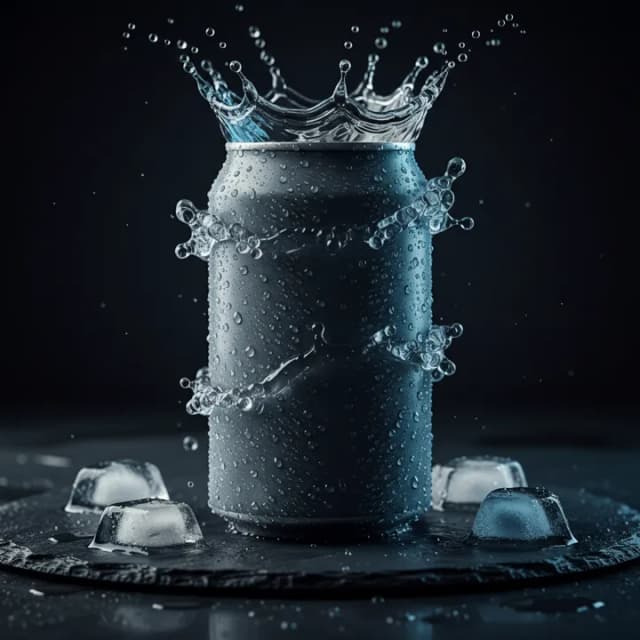
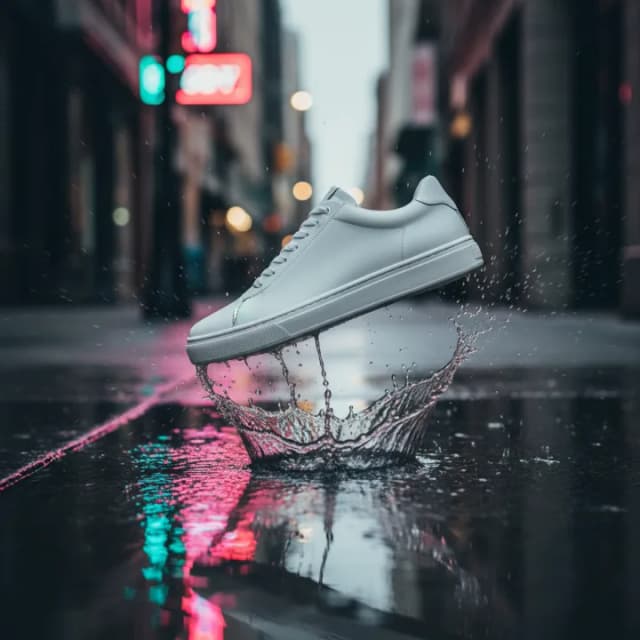


Start from your own footage
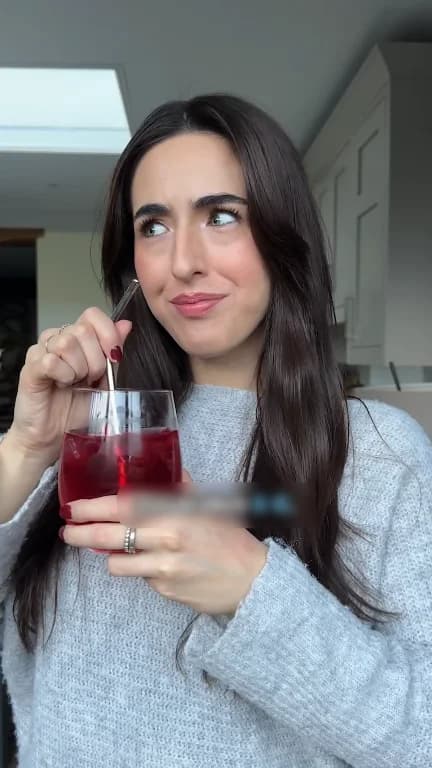
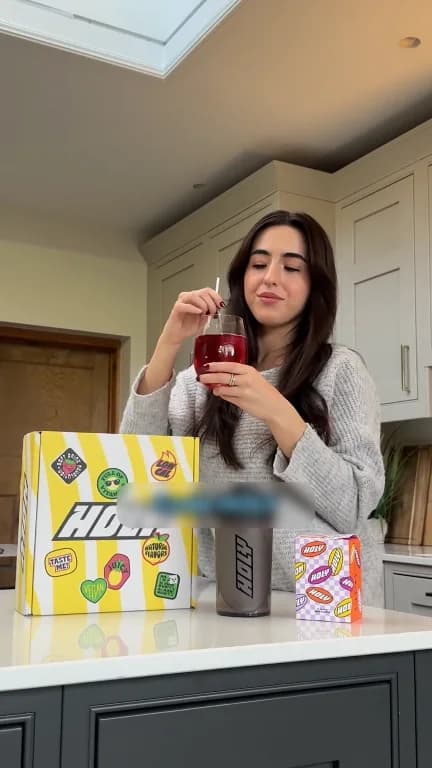
Add references from your Asset Library, scenes or images, or start with an existing image, so the generated shot matches your product and look.
 5s
 6s
 4s
 9s
 5s
 2s
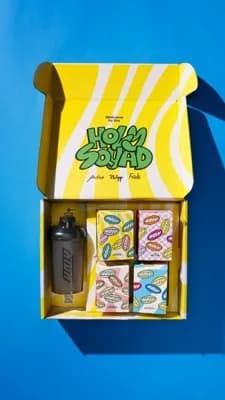 5s
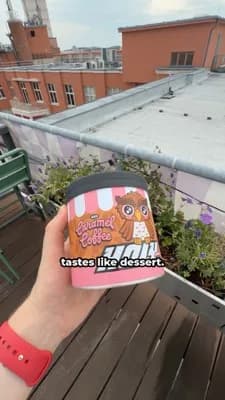 7s
All AI Video Generator features
7 features in AI Video Generator
Click any feature to see how it works.
Describe the sceneAny scene, product shot or style
Type the scene you imagine, like "latte pour, macro", and the AI Video Generator creates it. Prompt suggestions give you a starting point.
- Plain-language prompts
- Prompt suggestions
- Two steps to a clip
Start with an existing imageBuild on a picture you already have
Upload or pick an existing image as the starting point, so the result keeps your product and setting.
- Image as starting point
- Keeps your product look
- Faster than describing from scratch
References from your libraryUse your scenes and images as reference
Add references straight from your Asset Library, scenes or images, so generated B-roll matches the footage around it.
- Scenes and images as reference
- Matches your existing footage
- No export or re-upload
Choose your image modelNano Banana, FLUX, Seedream and more
Pick the model that suits the shot, including Nano Banana 2, FLUX 2 Max, FLUX 2 Pro, FLUX 2 Flex and Seedream. Admins decide which models the team can use.
- Leading image models
- Switch per generation
- Admin model controls
Four first frames to pick fromChoose before you animate
Every generation gives you four first frames. Pick the one that fits before anything is animated.
- Four options per prompt
- Choose before animating
- Less waste on bad takes
Animate with Veo or SeedanceFrom still frame to short clip
Turn the chosen frame into a short video clip with Veo or Seedance, ready to drop onto the timeline.
- Leading video models
- Short B-roll clips
- Lands in your project
Any format9:16 and the other ad formats
Generate in the aspect ratio your ad needs, starting with 9:16 for Reels and TikTok.
- Vertical by default
- Matches your ad format
- No cropping later
The Solid Creative Engine
The other parts of the engine
Make 20 variations of last week’s winner
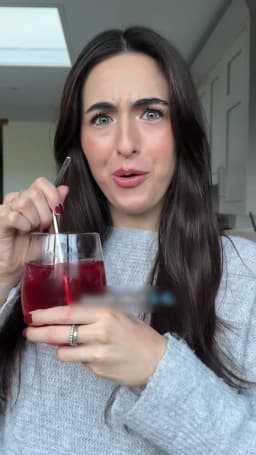
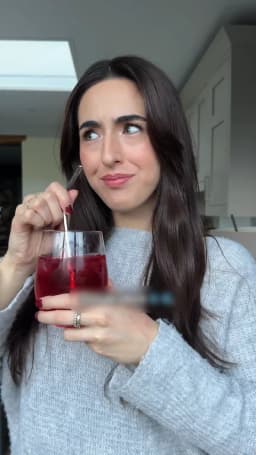
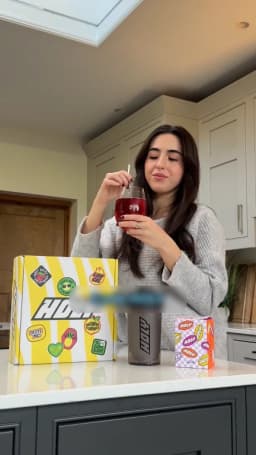
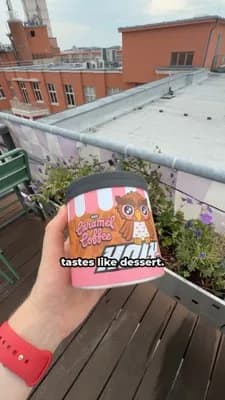
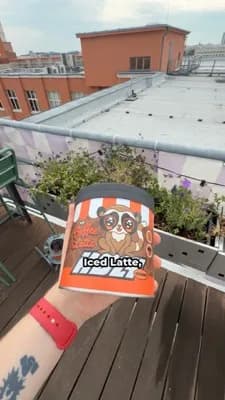
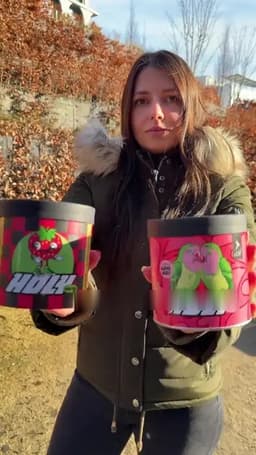
 Approved
Customer stories
What teams say about Solid
When a scene is missing, we simply create it in Solid. For our Advent calendar, we used to plan shoots in August or September and improvise a lot. Now we make it right in the software.
 Lisa Krapinger-RuetherSenior Vice President Digital, NEOH

In our first four weeks with Solid, our UK team produced 40 ads with one dedicated video editor. We would never have been able to achieve those results without the platform.
 Sarah Ward-LeggatBrand Creative Projects Lead, Butternut Box
FAQs
Frequently asked questions
Anything else? We’re happy to walk you through Solid with your own footage.
Book a demoWhat is the AI Video Generator for?
Filling gaps. When a shot is missing from your footage, generate it as B-roll. The subject of your ad stays your real footage.
Which models can I use?
Image models like Nano Banana, FLUX and Seedream for the first frame, then Veo or Seedance to animate it. Admins choose which models are available.
Is the AI Video Generator included in my plan?
Yes. The AI Video Generator is part of the Solid Creative Engine on every plan. Admins choose which image and video models the team can use.
Are generated clips marked as AI?
Exports can carry a visible AI disclosure badge and C2PA content credentials.
Keep reading
Related pages
Solid is the AI creative engine for brands and their agencies. Its agent turns a brand’s own footage, creators and best ads into finished video ads for Meta, TikTok and YouTube, and generates only the shots that are missing.
Request access
Your next ads are one chat away
See what Solid makes from your own footage. Tell us about your team and we’ll set you up.