CTA Arrow
An animated arrow or pointing-finger emoji directs the viewer's eye toward the call-to-action button or link.
How to spot it
A bouncing downward arrow or 👇 emoji pointing at the platform's native action bar or an on-screen button.
Verified on real video ads across 55 of 240 tracked brands (223 sightings across 79,497 ads).
Creative strategy
Why use CTA Arrow
Motion cues guide eye movement automatically, even when a viewer is distracted or watching with sound off. A subtle bouncing arrow or animated cursor bridges the gap between passive viewing and tapping the platform button right at the end of the pitch. Showing where to click removes hesitation during the final seconds when purchase intent peaks.
When to use it
- Use downward arrows in direct-response ecommerce ads with limited-time offers or free sample kits to lift clicks.
- SaaS demos and mobile app ads perform well with an animated cursor clicking a pill button on the closing frame.
- Creator-led skincare or supplement videos can drop a pointing icon during the spoken call to action to reinforce urgency.
When to skip it
- Skip aggressive bouncing arrows in high-end luxury apparel or prestige campaigns where loud motion cues feel pushy.
- Avoid pointing graphics when a single creative runs across placements with completely different button positions.
Production guide
How to produce CTA Arrow
- 1
Check the exact placement of the native action bar on Meta Reels, TikTok, and YouTube Shorts before animating.
- 2
Trigger the arrow or sliding cursor during the final two to three seconds right beside your offer headline.
- 3
Keep the motion loop smooth and crisp with two or three gentle bounces that draw attention without shaking the frame.
- 4
Export separate vertical variations when button locations shift between Feed, Stories, and Reels placements.
Common mistakes
- Pointing an arrow toward empty screen space because you reused a Reels cut in a different Meta placement.
- Adding the directional arrow in the opening hook pushes viewers to click before you have earned their interest.
- Placing the animated icon too low causes the platform button bar on TikTok or Shorts to clip the graphic.
Field notes
Observed in real ads
- 1
Text at the top of the end card urges viewers to request the free package now, accompanied by a downward-pointing arrow emoji.
- 2
The closing product card draws a yellow highlight behind 'current offer' and a downward arrow pointing toward the ad's link button.
- 3
On the endcard, text types into a pill-shaped button and an illustrated mouse cursor slides in to click 'JETZT BUCHEN!'.
Also called
Cross-layer recipes
Pairs well with
Combine CTA Arrow with patterns from other layers to assemble a complete ad.
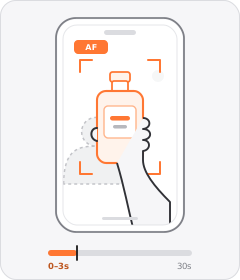
Product Held to Camera
The ad opens with a person holding the physical product straight up toward the camera lens.
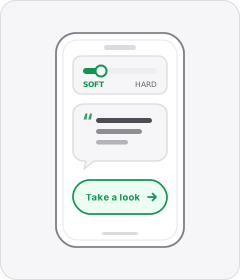
Soft Call to Action
The ad wraps up with a casual, low-pressure suggestion to check the product out rather than a hard sales push.

Native Text Box
On-screen copy uses the rounded-corner background pills of TikTok's or Instagram Reels' built-in text editor.
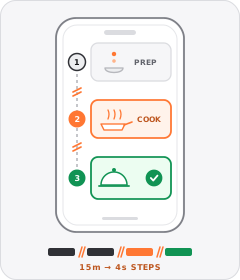
Process Montage
Rapid hard cuts compress the steps of a routine, recipe or packing sequence into a few seconds.
Start free
Build a CTA Arrow ad in minutes
Start with 7 days free in a ready-made demo workspace. No credit card required.