Video ad editing
Cutting rhythms, transitions, framing changes and split layouts that control pacing, hold visual momentum and emphasize key lines.
Quick-Cut Montage
2 patterns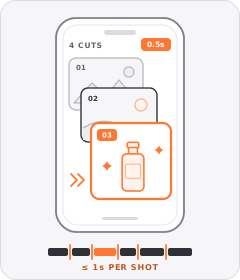
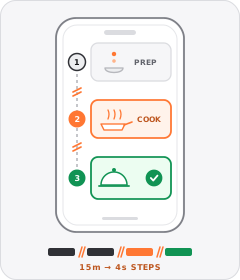
Split Screen
3 patterns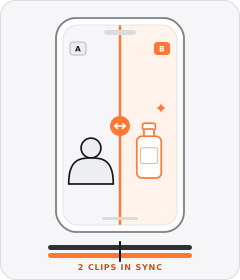 +2 sub
Split Screen
The frame is divided into two or more panels playing separate video clips at the same time.
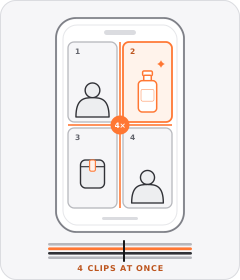
Multi-Panel Grid
The frame divides into three or more tiles—such as a triptych or two-by-two grid—playing multiple clips simultaneously.
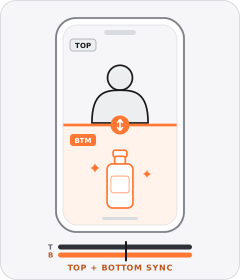
Stacked Split Screen
The vertical frame is split horizontally into top and bottom panels playing two clips at once.
Individual patterns
11 patterns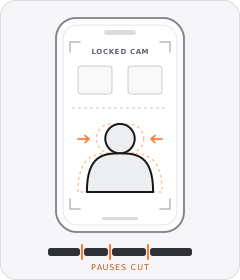
Jump Cuts
Every pause or breath is cut out of a continuous shot so the speaker never stops talking.
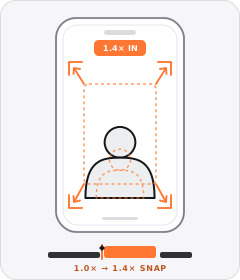
Punch-In Zoom
The frame suddenly crops closer on the same camera angle to emphasise a key word, reaction or detail.
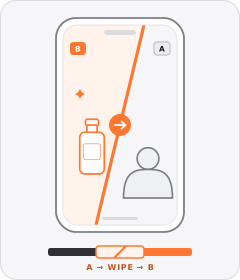
Wipe Transition
A sliding line, expanding graphic shape or passing foreground object sweeps across the frame to replace one shot with the next.
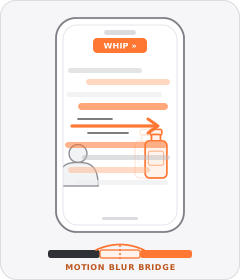
Whip Pan
A fast, motion-blurred camera swing or zoom carries one shot seamlessly into the next.
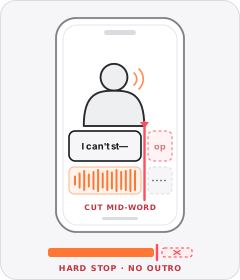
Mid-Sentence Cut-Off
The ad ends abruptly in the middle of a word or beat, skipping any sign-off or endcard.
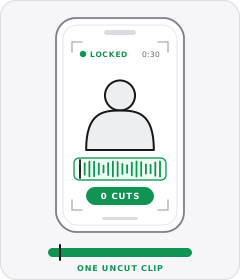
Single Take
The entire ad plays out in one continuous, uncut camera shot from start to finish.
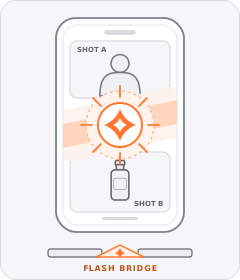
Flash Transition
A brief burst of white camera flash or warm light leak washes over the frame to bridge two shots.
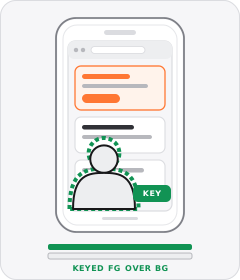
Green-Screen Reaction
The speaker's background is keyed out so their floating figure sits over B-roll, a website or replacement visuals.
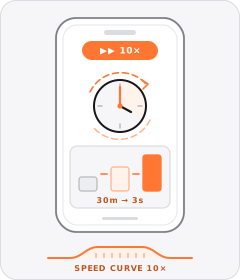
Time-Lapse
A slow task, build or transformation plays back at high speed so the whole process finishes in seconds.
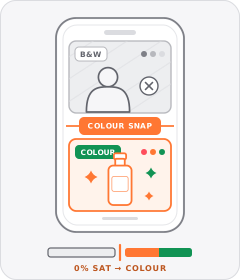
Black-and-White Problem Footage
Clips depicting the viewer's hassle or the 'before' state are drained to black and white before snapping to full colour for the solution.
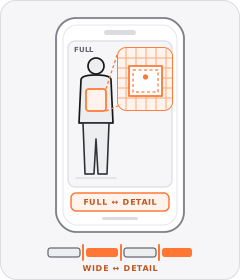
Full-Body to Detail Cuts
The edit alternates back and forth between full-length shots of an item worn and tight close-ups of its fit or fabric.
About this layer
Using editing in video ads
Editing governs cut pacing, scene transitions, and framing shifts that maintain visual momentum from opening hook to closing offer. Quick-Cut Montage leads across 198 of 240 tracked brands, followed by Process Montage at 169, Jump Cuts at 167, and Split Screen at 146.
Editors isolate this layer by cutting the same source footage into two rhythms or screen layouts while keeping the script fixed. Comparing hold rate between Jump Cuts and a Split Screen shows whether brisk pacing or simultaneous visual proof keeps viewers watching.
FAQs
Editing FAQs
How fast should cuts move in a performance video ad?
Strong social ads switch camera angles, crops, or shots at two-to-three-second intervals during the opening half. Quick-Cut Montage and Jump Cuts remove pauses and refresh attention before viewers scroll away. Hold a shot slightly longer on key product details or pricing so viewers can read comfortably.
When should you use a Split Screen layout in a video ad?
Use a Split Screen when you need to prove a visual contrast or keep a demo active beside a speaking presenter. Brands in skincare, apparel, and home gadgets use split layouts for before-and-after shots, feature matchups, or pairing reactions with close-up product use. Showing both views together speeds up understanding.
How does Punch-In Zoom lift hold rate on talking-head ads?
Punch-In Zoom scales slightly closer on a speaker during key lines to add movement without shooting a second angle. Editors apply this move across 136 of 240 tracked brands to stress benefits, hide script edits, and keep single-camera clips lively. It is an easy hold-rate upgrade for creator shoots.
Other layers
Explore the rest of the taxonomy
Combine patterns across layers to build complete performance video ads.
Hooks
38How does it stop the scroll?
Rhetoric
44Why should I believe it or act?
Structures
19In what order is it told?
Formats
35What kind of video is it?
Casting
24Who speaks, and how?
Graphics
29What sits on top of the footage?
Mimicry
6What does it pretend to be?
Audio
14What do you hear?
Staging & gestures
2What else frames the shot?
Start free
Test more editing without another shoot
Start with 7 days free in a ready-made demo workspace. No credit card required.