Video ad formats
Production setups, camera staging and visual genres that define how an ad is filmed or assembled, from hands-only demos and car confessionals to 3D renders.
Product Demo
4 patterns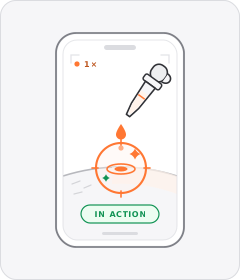 +4 sub
Product Demo
The product is shown working, close up and in real time.
 +1 sub
Step-by-Step Tutorial
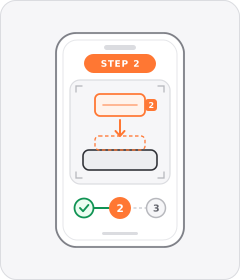
The ad teaches the viewer how to apply, assemble, or use the product in an explicit sequence of steps.
Hands-Only Demo
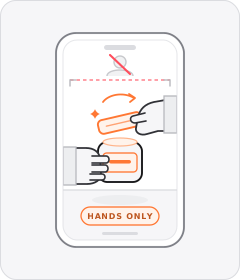
The product is handled and demonstrated with only a pair of hands visible in frame and no face shown.
Kitchen Demo
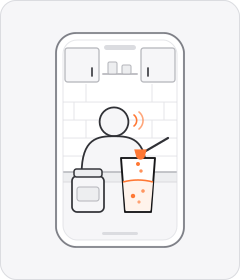
A creator talks to the camera in a kitchen while mixing, cooking, or preparing a food, drink, or supplement.
Creator to Camera
2 patterns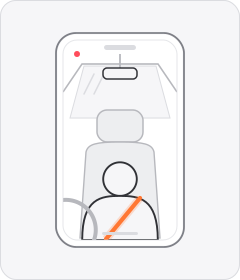
Talking Head
6 patterns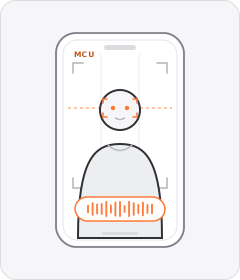 +5 sub
Talking Head
A single speaker looks straight into the lens and delivers the pitch directly to the viewer.
 +1 sub
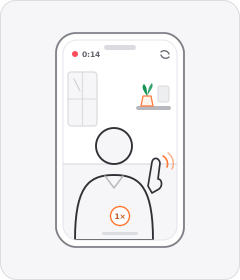
Creator to Camera
An everyday creator films themselves on a phone in a lived-in setting and speaks directly to the viewer.
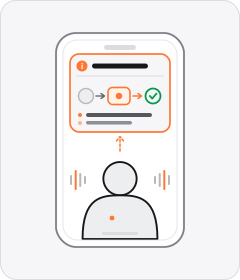
Talking-Head Explainer
A presenter or creator speaks to the camera to teach a concept or break down how something works before pitching the product.
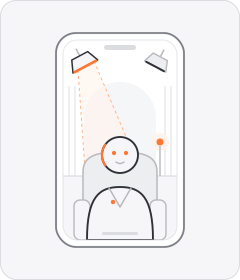
Studio Talking Head
A presenter addresses the viewer directly from a professionally lit studio set.
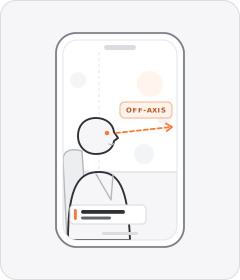
Studio Interview
A speaker is filmed seated on a lit set answering an off-camera interviewer in documentary style.
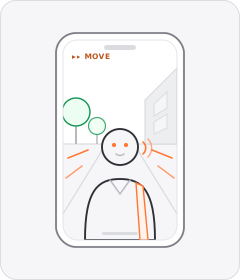
Walk and Talk
A speaker addresses the camera while walking forward through a street, hallway, or outdoor space.
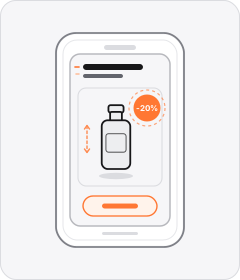
Motion Graphics
2 patterns
Screen Recording
2 patterns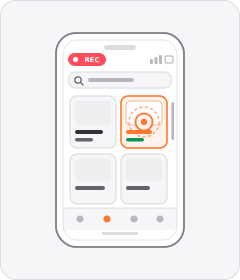
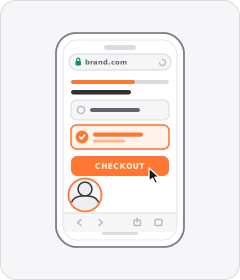
Step-by-Step Tutorial
2 patterns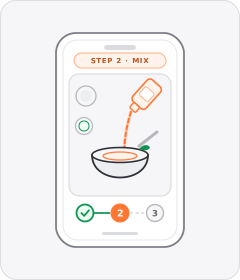
Behind the Scenes
2 patterns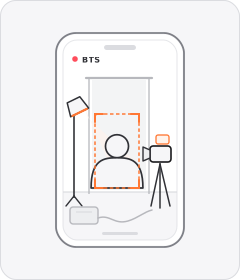

Individual patterns
17 patterns
Customer Testimonial
A single customer or creator speaks to the camera about their personal experience and results with the product.
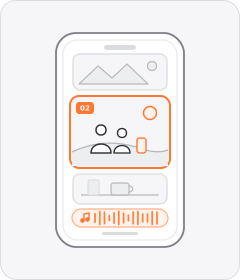
Lifestyle Montage
Short clips of people enjoying everyday or aspirational moments with the product play in sequence without an on-camera speaker.
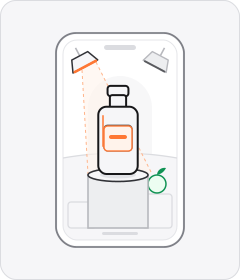
Studio Product Showcase
The product is displayed on plinths, tabletops, or seamless studio backdrops as an aesthetic visual hero.
 +1 sub
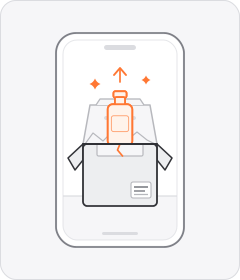
Unboxing
The ad opens a package and takes the product out on camera.
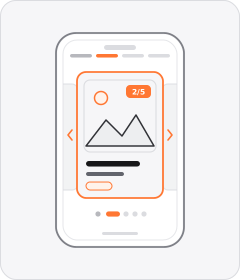
Image Slideshow
The ad cycles through a sequence of still photos or static catalogue cards one after another.
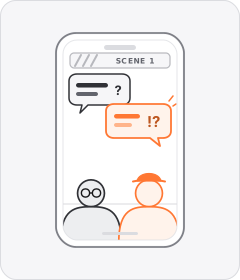
Comedy Skit
The ad plays out as a short scripted humorous scene with people in character before introducing the product.
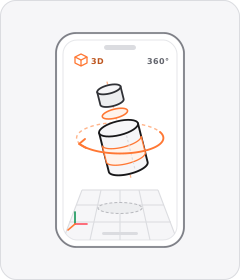
3D Product Render
A computer-generated 3D model of the product floats, spins, or pulls apart inside a virtual environment.
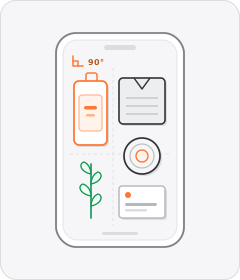
Flat Lay
The camera points straight down at 90 degrees onto a tabletop where products and props are arranged or handled.
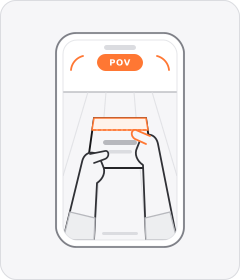
First-Person POV
The ad is filmed from the literal eye line of an unseen person, showing what they see and what their hands do.
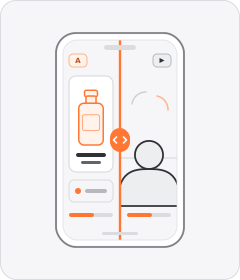
Split Screen
The video frame is divided into two or more panels playing simultaneously.
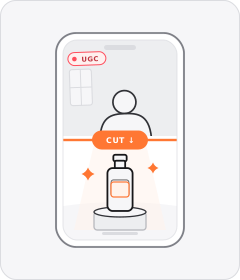
UGC-Studio Hybrid
The ad switches deliberately between raw phone-shot creator clips and glossy studio commercial footage.
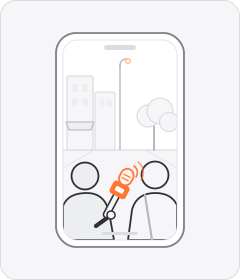
Street Interview
Someone with a microphone stops people in the street and asks them about the product.
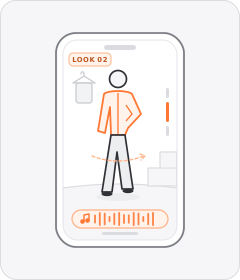
Lookbook
Models or creators pose and move in one or more styled outfits to music without spoken dialogue.
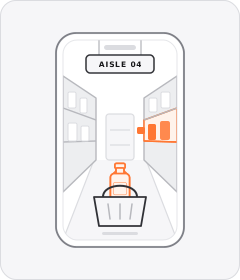
Store Walkthrough
A creator or host walks through a physical retail store browsing shelves, aisles, and displays.
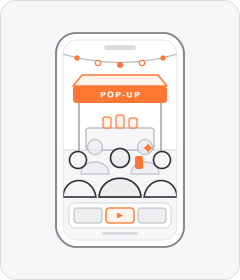
Event Recap
The ad compiles highlights from a real-world brand pop-up, launch party, or community event.
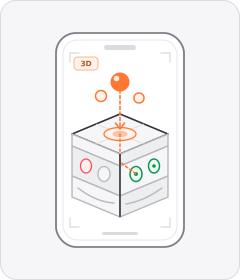
3D Medical Animation
Computer-generated 3D anatomy or mechanism visuals show how an ingredient, treatment, or device works inside the body.
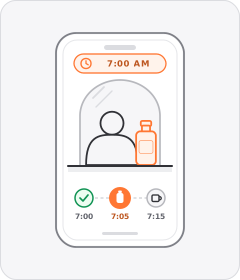
Routine Walkthrough
A creator walks through a specific daily ritual—such as a morning, skincare, pre-workout, or bedtime routine—featuring the product.
About this layer
Using formats in video ads
Format defines the camera setup, staging, and visual genre used to film or assemble an ad. Product Demo leads across 188 of 240 tracked brands, ahead of Customer Testimonial at 182, Creator to Camera at 176, and Lifestyle Montage at 173.
Performance teams isolate format by recording the same core script across two production styles, such as a Creator to Camera shoot and a Studio Product Showcase. Comparing acquisition cost across both cuts shows where studio lighting adds margin and where handheld filming wins.
FAQs
Formats FAQs
Which video ad formats scale best for cold prospecting?
Product Demo, Customer Testimonial, and Creator to Camera each appear in over 175 of 240 tracked brands because they explain value quickly to new audiences. Demos fit physical products with clear visual payoffs like home gadgets or skincare. Testimonials build fast trust for supplements and SaaS.
When should brands film a Studio Product Showcase?
A Studio Product Showcase works well when texture, color accuracy, or finish drives the purchase, as in apparel or food and beverage. Polished visuals also anchor major product launches and seasonal sales where elevated branding helps conversion. Most scaling accounts run studio cuts alongside creator videos to slow ad fatigue.
How many ad formats should a creative testing account keep live?
Keep three to four distinct formats running at the same time, such as a Product Demo, a Lifestyle Montage, and a Customer Testimonial. Rotating different visual styles reduces audience burnout and reaches buyer segments with varied tastes. Introduce a fresh format as winning concepts reach spend caps.
Other layers
Explore the rest of the taxonomy
Combine patterns across layers to build complete performance video ads.
Hooks
38How does it stop the scroll?
Rhetoric
44Why should I believe it or act?
Structures
19In what order is it told?
Casting
24Who speaks, and how?
Editing
16How are the shots joined?
Graphics
29What sits on top of the footage?
Mimicry
6What does it pretend to be?
Audio
14What do you hear?
Staging & gestures
2What else frames the shot?
Start free
Test more formats without another shoot
Start with 7 days free in a ready-made demo workspace. No credit card required.