On-screen ad graphics
Captions, hook banners, checklists, review screenshots, badges and packshot endcards layered over video to communicate even with the sound muted.
Spec Callout Labels
2 patterns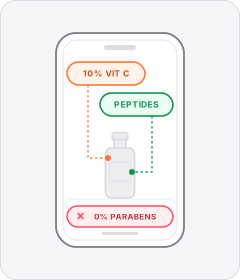
Ingredient Callout
On-screen labels or lists highlight the active ingredients inside the formula or the unwanted ones left out.
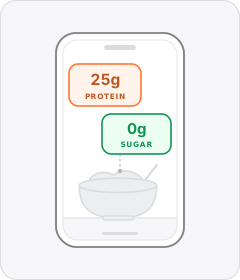
Nutritional Stat Overlay
On-screen callouts display macro figures such as protein, calories or sugar grams over shots of food or drink.
Individual patterns
27 patterns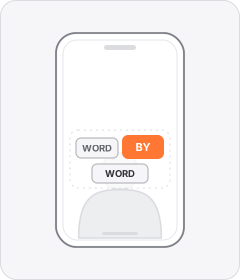
Word-by-Word Captions
Captions appear one word or a few words at a time, in sync with the speech.
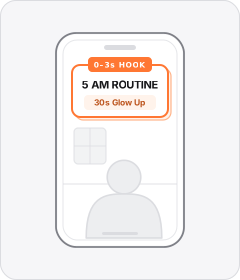
Opening Hook Banner
A bold static headline or title box sits over the opening shot to frame the topic in the first few seconds.

Checklist Overlay
A stacked vertical list of short points marked with checkmarks, bullets or emoji icons appears over the footage.
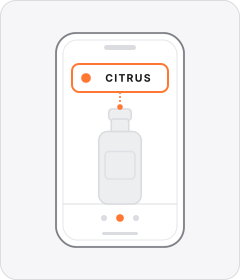
Variant Label
An on-screen text tag names each specific product, flavour, dish or shade as it appears on camera.
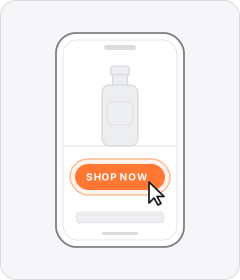
Faux CTA Button
A graphic styled like a clickable UI button is baked directly into the video frame.
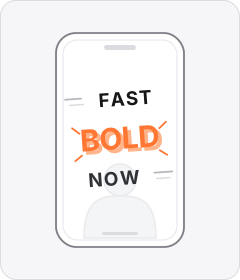
Kinetic Typography
Large display words and short phrases slam, slide or scale dynamically onto the screen to drive key claims.
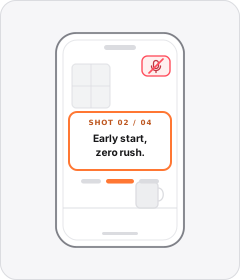
Silent Text Narration
Sequential lines of on-screen text tell the whole story from shot to shot without a spoken voiceover.
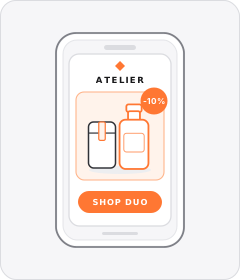
Packshot Endcard
The ad closes on a dedicated studio or graphic card showcasing the product packaging alongside the logo and offer.
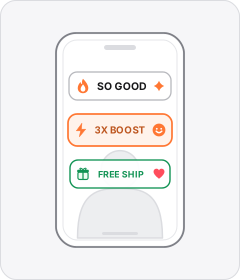
Emoji Text Overlay
On-screen hooks, captions or callouts pair words with inline emojis that illustrate what is being said.
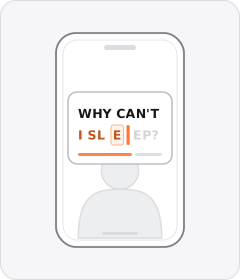
Typewriter Text
A headline, question or slogan types itself onto the screen letter by letter, often behind a blinking cursor.
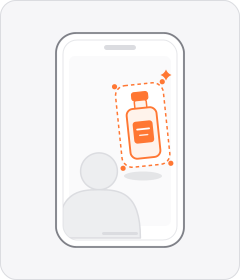
Floating Product Cutout
A background-removed studio photo of the product floats over live-action footage or a graphic backdrop.
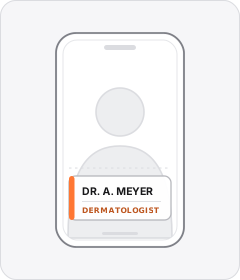
Speaker Lower Third
A nameplate near the lower frame introduces the speaker by name alongside their role or professional credentials.
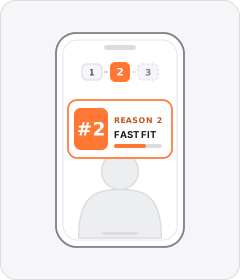
Numbered Point Labels
On-screen numbers count through each reason, tip or look in turn as the ad moves from one to the next.
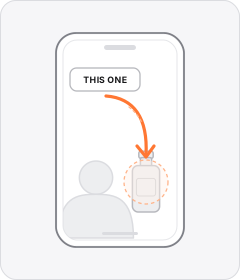
Pointer Arrow
A sketched or animated arrow appears over the scene to point out the product or a specific visual detail.
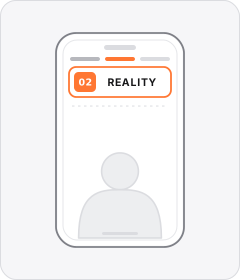
Section Header Overlay
Category or chapter headings label each segment of the ad as it shifts from one topic to the next.
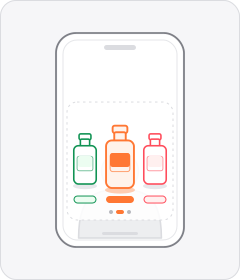
Product Lineup
Cutouts of multiple flavours, shades or models are arranged side by side on screen to showcase the range.
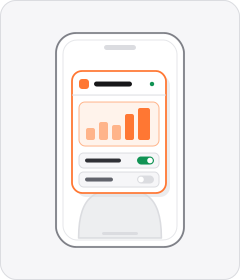
App UI Overlay
Screenshots, screen recordings or cropped widgets from the brand's app float over the live-action footage.
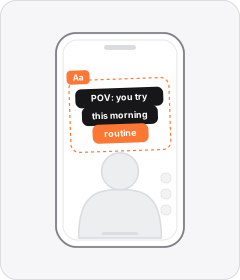
Native Text Overlay
On-screen text mimics the fonts and rounded background boxes of TikTok, Reels or Stories editing tools.
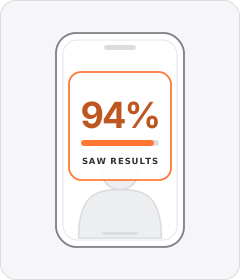
Stat Callout Overlay
Oversized numbers or percentages appear on screen to emphasise a statistic, test result or performance figure.

Review Screenshot
A written customer review is shown as a screenshot over the footage.
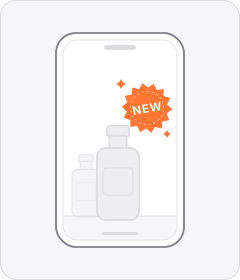
New Product Badge
A retail-style sticker or pill tag reading 'NEW' or 'NEW IN' sits beside the featured item.

Certification Badge
A seal such as 'dermatologically tested' or 'made in Germany' appears on screen.
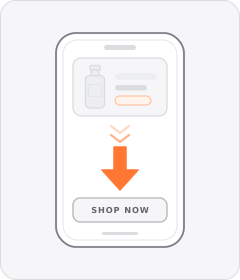
CTA Arrow
An animated arrow or pointing-finger emoji directs the viewer's eye toward the call-to-action button or link.
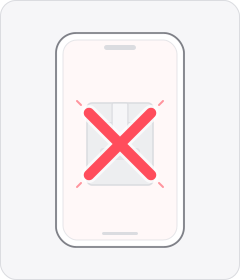
Red X Overlay
A bold red cross or X stamps over a rival option, bad habit or unwanted ingredient to mark it as the wrong choice.
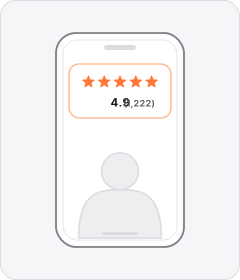
Star Rating Overlay
Stars and a review count appear over the footage.
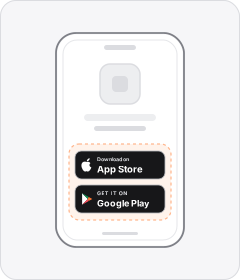
App Store Badges
Official Apple App Store and Google Play download badges appear on screen or on the closing card.
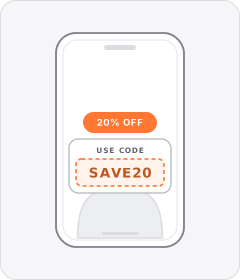
Promo Code Overlay
A checkout code such as 'USE CODE: SAVE20' appears on screen so viewers know what to type for a discount.
About this layer
Using graphics in video ads
On-screen graphics cover captions, hook banners, checklists, and badges that carry your pitch when people browse with sound muted. Word-by-Word Captions lead across 188 of 240 tracked brands, followed by Opening Hook Banner at 182 and Checklist Overlay at 140.
Teams isolate graphics by exporting two edits of the same finished cut with different headline banners, caption layouts, or callout boxes. Tracking thumbstop rate and click-through rate reveals which visual hierarchy communicates fastest for mobile apps, skincare, and apparel.
FAQs
Graphics FAQs
Do Word-by-Word Captions improve paid social video performance?
Word-by-Word Captions appear in 188 of 240 tracked brands because many viewers scroll vertical feeds with audio muted. Highlighting phrases as the speaker talks anchors eye movement near the center of the frame and reinforces rhythm. Place captions inside safe zones so platform buttons never block your text.
How should you write an Opening Hook Banner for mobile feeds?
Keep an Opening Hook Banner to five to eight bold words that sum up the main problem or payoff immediately. High-contrast type placed in the upper middle third stays clear of profile handles and action icons. Test banner copy separately from the spoken line to lift three-second hold rate.
When do Checklist Overlays and Variant Labels help conversions?
Checklist Overlays let skeptical shoppers scan three or four product benefits quickly without waiting through a long explanation. Variant Labels clarify flavors, sizes, or shades as footage cycles through options, which helps apparel, skincare, and food and beverage brands. Both overlays remove uncertainty before viewers tap to buy.
Other layers
Explore the rest of the taxonomy
Combine patterns across layers to build complete performance video ads.
Hooks
38How does it stop the scroll?
Rhetoric
44Why should I believe it or act?
Structures
19In what order is it told?
Formats
35What kind of video is it?
Casting
24Who speaks, and how?
Editing
16How are the shots joined?
Mimicry
6What does it pretend to be?
Audio
14What do you hear?
Staging & gestures
2What else frames the shot?
Start free
Test more graphics without another shoot
Start with 7 days free in a ready-made demo workspace. No credit card required.