Promo Code Overlay
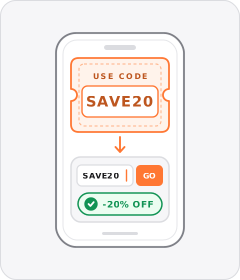
A checkout code such as 'USE CODE: SAVE20' appears on screen so viewers know what to type for a discount.
How to spot it
A boxed or bold code string displayed on screen over the footage or closing card.
Verified on real video ads across 86 of 240 tracked brands (1,552 sightings across 79,497 ads).
Creative strategy
Why use Promo Code Overlay
Putting a specific discount string on screen turns a vague sale claim into a concrete incentive shoppers can memorize or screenshot immediately. Visual spelling removes audio mishearings and makes creator-backed codes feel exclusive and timely. Keeping the code bold through the closing seconds smooths the handoff between watching the video and finishing checkout.
When to use it
- Use promo code overlays in creator whitelisting ads for supplements, apparel, and meal kits where named codes track attribution.
- Highlight limited flash sales and seasonal offers in skincare or home gadgets where showing the code reinforces clear savings.
- Run checkout code graphics in warm retargeting ads aimed at cart abandoners who need a small price incentive.
When to skip it
- Skip manual code graphics when your checkout applies discounts automatically, since extra typing instructions confuse eager buyers.
- Avoid flashing coupon strings in full-price luxury campaigns or cold brand films where discounts train shoppers to wait.
Production guide
How to produce Promo Code Overlay
- 1
Display the exact code right beside the dollar or percentage savings so viewers grasp the deal in one quick glance.
- 2
Frame the code inside a clean dashed coupon box or bold uppercase badge that separates clearly from spoken subtitles.
- 3
Bring the overlay onto screen right as the speaker mentions the code, then keep it visible through the closing endcard.
- 4
Test the exact code string in your live checkout flow before launching paid spend so shoppers never hit invalid errors.
Common mistakes
- Using random alphanumeric codes like X9K4B20 causes typos and drop-offs when mobile shoppers move to checkout.
- Flashing the discount code for barely one second leaves Meta, TikTok, and YouTube Shorts viewers no time to remember it.
- Positioning the promo box inside bottom caption zones or right-side icon stacks crops off the final characters.
Field notes
Observed in real ads
- 1
A specific alphanumeric discount code ('CODE: PLUS20') fades in beneath the main offer text for easy redemption.
- 2
Cyan text displaying the creator's discount code and the 25% off offer is superimposed near the center of the screen as he says it.
- 3
Displays the creator's discount code in larger pale-yellow serif capitals above the captions during the final call to action.
Also called
Offer Callouts family
Sibling patterns
Close alternatives that solve a similar creative job.
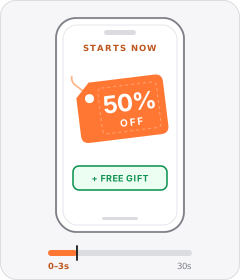
Upfront Offer Hook
The ad opens in the very first seconds with a discount, sale event, or free gift instead of saving the deal for the end.
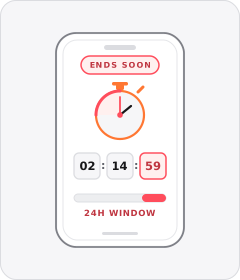
Limited-Time Offer
The ad warns that the discount or promotion is only available for a short window.
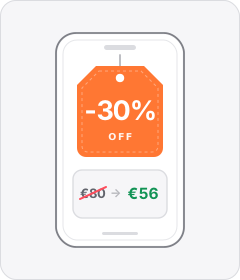
Discount Callout
The ad pitches a specific percentage or cash reduction off the regular price.
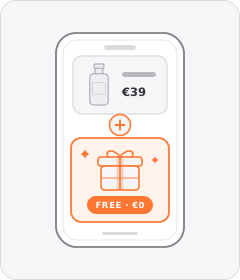
Free Gift with Purchase
A free bonus item comes included with the order.
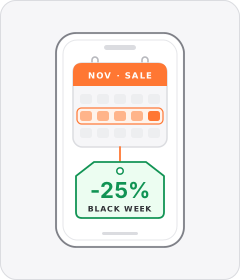
Seasonal Sale
The ad ties its promotion or discount to a calendar holiday or retail shopping event.
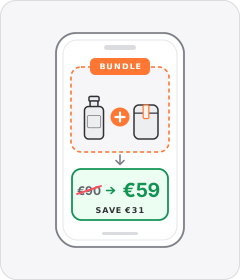
Bundle Offer
The ad pitches a multi-pack, starter kit or set of products together for less than buying them separately.
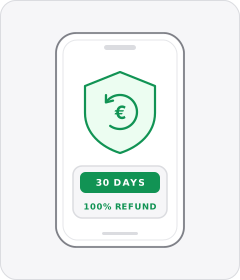
Money-Back Guarantee
The ad promises a full refund if the buyer is not satisfied with the product.
 +1 sub
Promo Code
The ad gives viewers a specific alphanumeric code to enter at checkout to unlock a deal.
Cross-layer recipes
Pairs well with
Combine Promo Code Overlay with patterns from other layers to assemble a complete ad.
Upfront Offer Hook
The ad opens in the very first seconds with a discount, sale event, or free gift instead of saving the deal for the end.
+1 subPromo Code
The ad gives viewers a specific alphanumeric code to enter at checkout to unlock a deal.
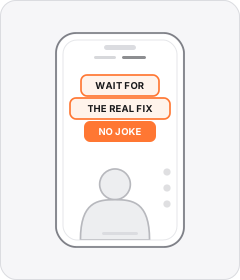
Native Text Box
On-screen copy uses the rounded-corner background pills of TikTok's or Instagram Reels' built-in text editor.
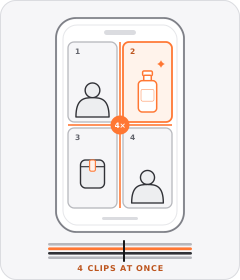
Multi-Panel Grid
The frame divides into three or more tiles—such as a triptych or two-by-two grid—playing multiple clips simultaneously.
Start free
Build a Promo Code Overlay ad in minutes
Start with 7 days free in a ready-made demo workspace. No credit card required.