ChangelogJuly 8, 2026
A-Roll Editing Flow, AI Video Studio, Passwordless Email Sign-In & Updated Interface
This update introduces the A-Roll editing flow, launches an AI-powered Video Studio for b-roll generation, adds passwordless email sign-in, and improves our editing workspace for a faster and more intuitive experience.
 Keanu Born
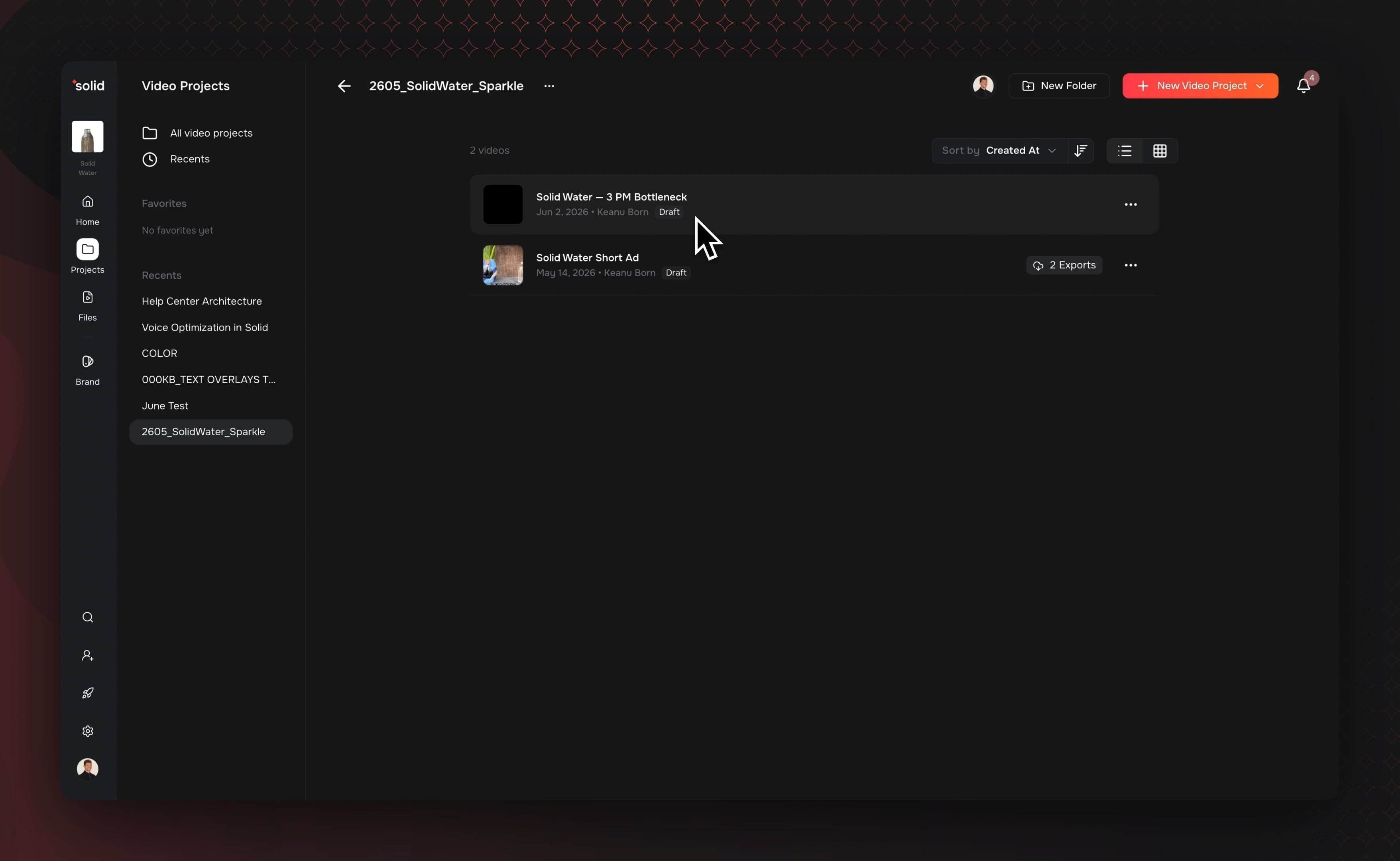
- The A-Roll Editing Flow: Turn long recorded talking-head footage or raw audio clips into short-form ads by editing a text transcript.
- AI Video Studio: Plan, review, and render AI-generated b-roll clips right from the files manager window with built-in administrative model controls.
- Passwordless Email Sign-In: Log into your workspace instantly using a secure, single-use email verification link.
- Streamlined Interface Layout: Navigate your project faster with a simplified properties panel rail and workflow segment toggles.
The A-Roll Editing Flow
Converting long footage into short-form assets is straightforward. Instead of slicing timelines manually, you can construct short-form projects directly from spoken words. This workflow supports both video files and raw audio uploads as primary media sources.
- Text-to-Video Matching: Type or paste your script, and the AI scans your transcripts to pull matching verbal clips back-to-back into a new timeline.
- Word-Cut Transcript Precision: Delete words or sentences inside the transcript text to trim out verbal gaps, mistakes, or silences on the timeline.
- Automated Talking-Head Detection: The AI checks your uploads to find the exact moments someone is talking on camera, automatically tagging those sections so you can instantly separate your talking shots from background footage.
AI Video Studio & Admin Controls
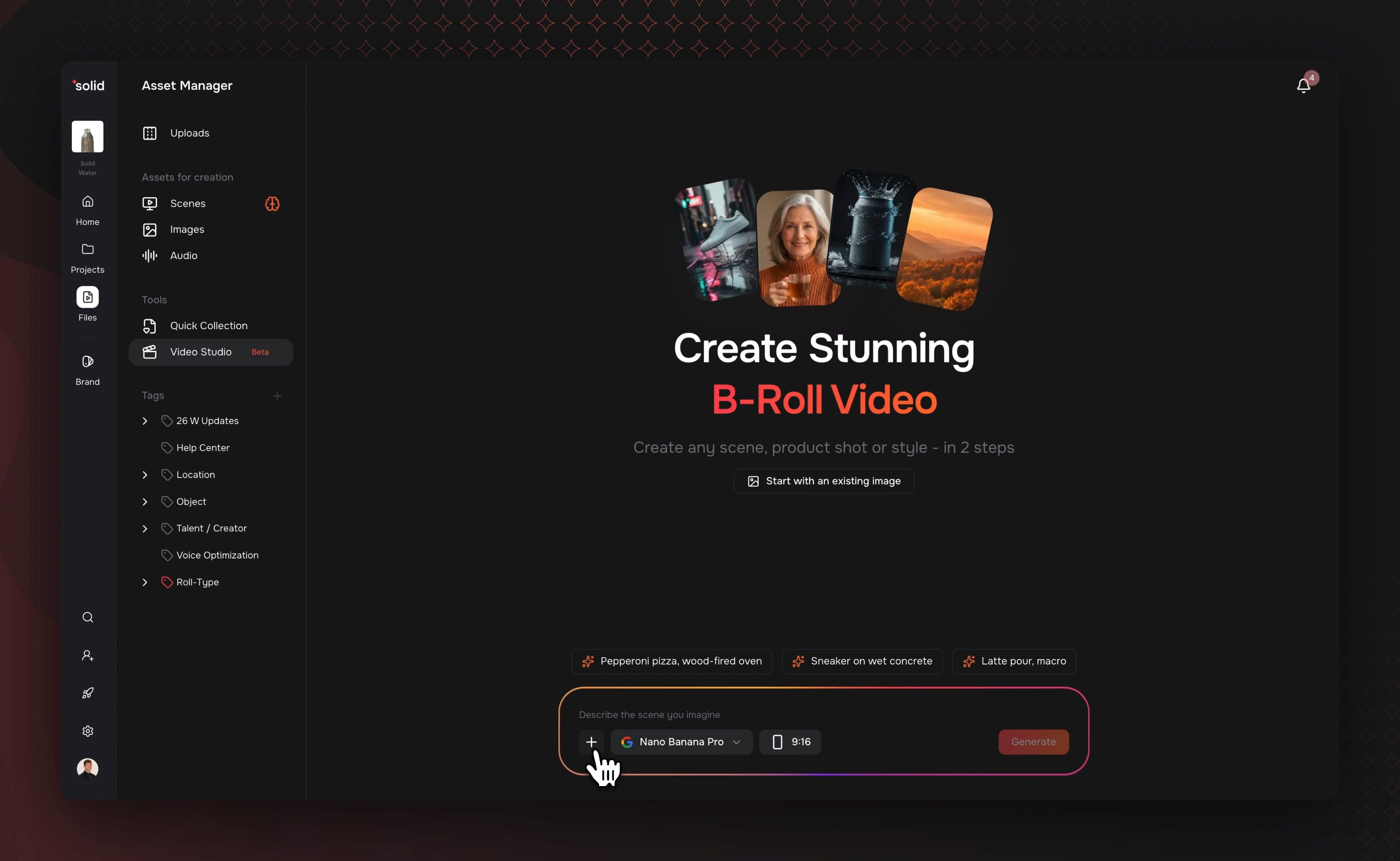
We added a new AI Video Studio directly inside the files manager window to help you create AI-generated b-roll footage. This setup uses a guided workflow where you draft, refine, and review your AI assets before rendering.
- Multiple Generation Models: Choose from a selection of top image and video engines, including Google's Nano Banana, Bytedance Seedream, and Black Forest Labs FLUX 2, to generate your photos or videos.
- Administrative Control Toggles: Manage generation choices and costs by toggling specific AI models on or off inside the workspace settings menu.
- Integrated Reference Picker: Pick specific scenes or style references directly from your asset library to guide the generation process.
Re-engineered Editing Workspace
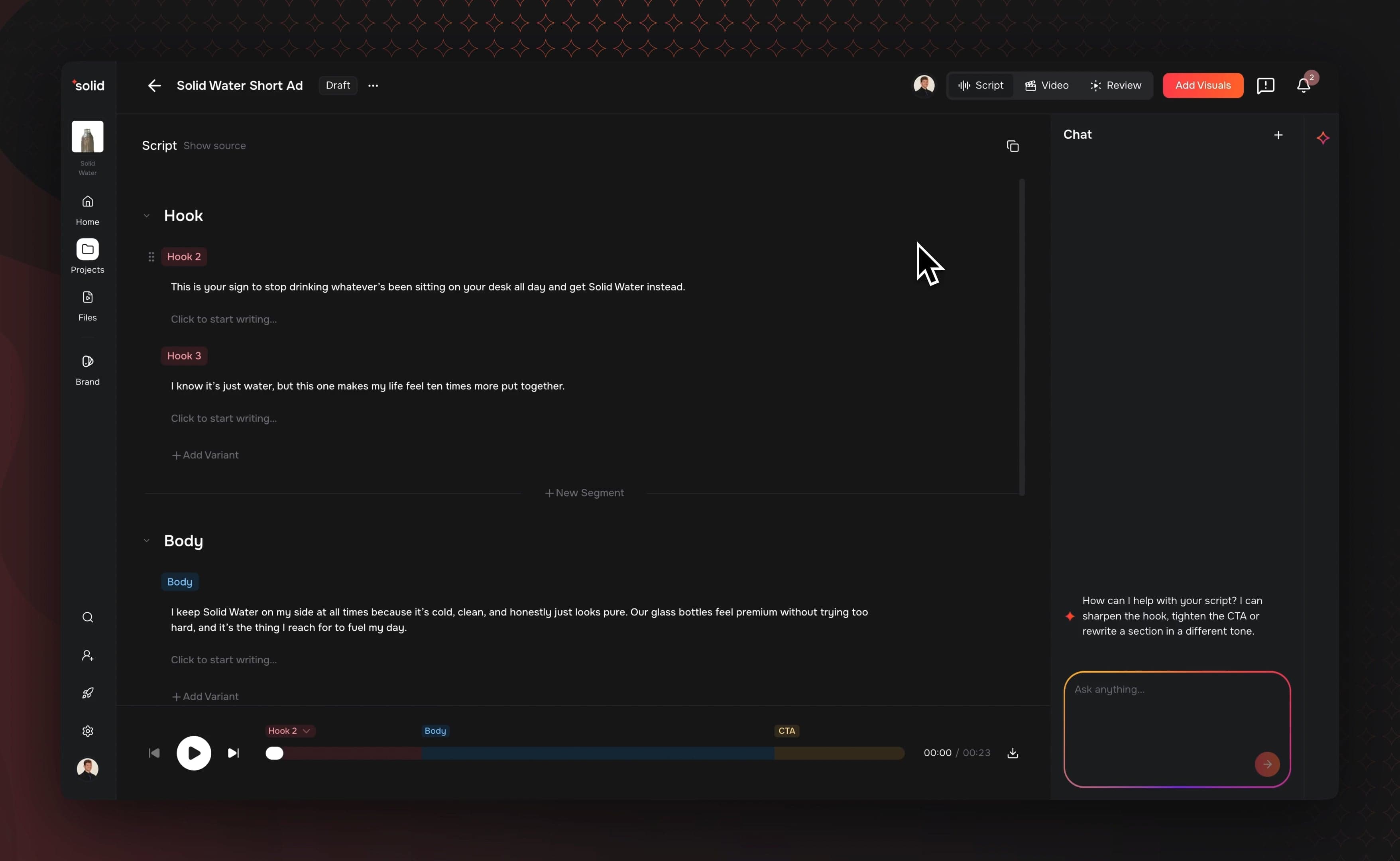
We updated the editing interface to reduce clicks and keep your attention focused on the canvas.
- Side Properties Panel: Tweak text styles, alter automated captions, and swap visual background layers inside a clean side panel.
- Voice, Video, and Review Toggles: Swap between production steps using a segmented switch at the top of the interface.
- Cross-Composition Media Pasting: Copy items from one composition and drop them straight into a separate project without losing transitions or audio files.
Passwordless Email Sign-In
Accessing your workspace is now simpler, and you no longer need to manage a standard password.
- One-Click Entry: Request a login link sent to your email to authenticate or set up a new user profile.
- Prefetch Protection: Security walls stop automated email scanners from consuming your verification link before you click it.
More Good Stuff
- Folder Nesting: Create folder trees with inline generation and search tools, then move assets using drag-and-drop mechanics.
- Directory Tag Mirroring: When uploading an organized folder path from your computer or Google Drive, the file manager can duplicate that structure as tags to organize your library.
- C2PA Content Credentials: Finished video exports automatically embed secure AI-provenance metadata to comply with European AI Act requirements.
- On-Brand Captions: The text processing engine scans brand documents to correct the spelling of product names, abbreviations, or phrases across incoming transcripts.
- Canvas Edge Snapping: Moving text overlays or adjusting image borders on the player canvas triggers alignment guides that snap objects to center lines or neighboring clips.
Fixes & under the hood
- Enforced secure domain email authentication to protect outgoing messages from spoofing.
- Rebuilt database repositories to eliminate slowdowns and open projects faster.
- Fixed an infrastructure issue causing intermittent timeouts and errors during processing periods.
- Fixed a navigation bug where clicking a favorite filter or menu icon accidentally opened the folder card.
- Resolved an issue where older compositions from previous system versions would error when sent through the translation step.
- Fixed a caption visibility bug to ensure saved stylistic text presets cannot be accessed by external organizations.
- Fixed a file permission issue to ensure shared workspace folders can only be generated by validated team members.
- Corrected a timeline audio error where clips containing an audio layer but no visual track failed to render properly.
- Replaced system scrollbars with styled versions to ensure a uniform appearance across browsers.