Team Roles, Pick Who Is In the Ad & Translated Text Overlays

This update names the three roles on your team so you can assign them yourself, lets a person filter decide who is allowed to appear in an ad, and carries the text you put on screen into a translation.

Key Points
- Team Roles: Admin, Creator and Reviewer are named in the app and you can assign them yourself, so what someone sees matches what they are there to do.
- Pick Who Is In the Ad: Filter your footage by person and only those people can turn up in the finished ad.
- Translated Text Overlays: Translate a video and the text you put on screen gets translated with it.
Team Roles
Sharing a project for review is not new. What is new is that the three roles behind it are named in the app and you can assign them yourself, so each person gets the workspace their job actually needs.
- Reviewer: Watches a project, leaves comments and moves its status along. The edit stays out of reach, so nobody changes a cut by accident.
- Creator: Everything a Reviewer can do, plus uploading footage, building and editing videos, and exporting the finished ads.
- Admin: Everything a Creator can do, plus managing your people, their roles and your brand setup.
Pick Who Is In the Ad
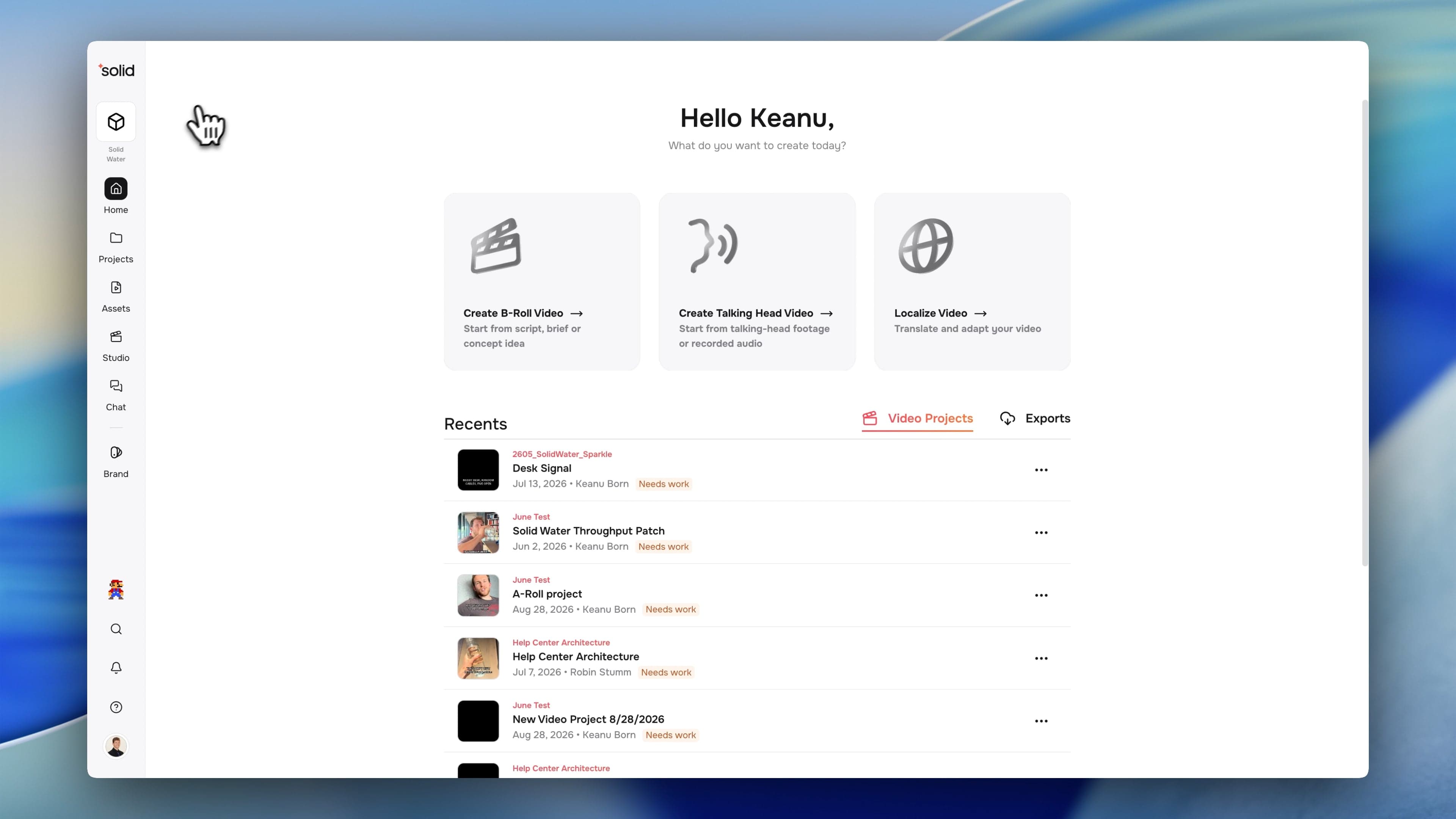
Filter your footage by person and that choice now carries into the ad itself. Only the people you picked can end up in it.
- Build an Ad Around One Creator: Pick them once and every scene Solid pulls in is footage of them, so a single-creator cut takes one filter.
- Keep the Wrong People Out: A scene showing someone who is not on your list is left out, however well it matches everything else. Useful when a creator's contract ends and their footage has to stop appearing.
- Pick People by Their Face: Everyone in the picker wears their own face, so you choose the right person at a glance rather than by name.
Translated Text Overlays
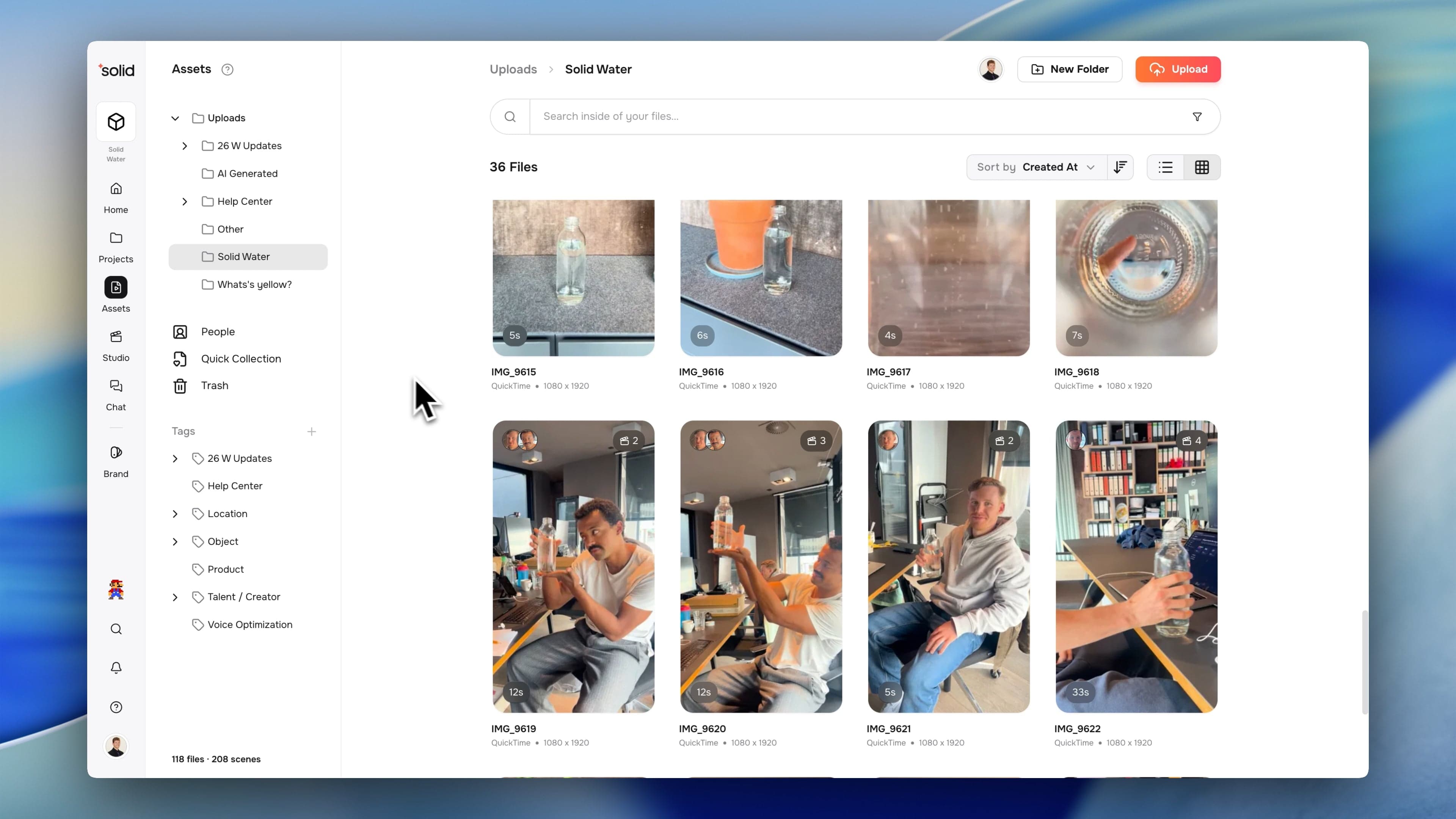
Translate a video and the text you put on screen comes with it, so a German cut does not go out with English headlines still sitting over the footage.
- One Pass, Whole Ad: Your script and every text object you added in the editor are translated together, so a finished translation is ready to watch rather than ready to fix by hand.
- Only Text You Added: Headlines, hooks and text overlays are translated. Text already baked into a video or image file stays exactly as it is, since those are pixels rather than editable text.
- Matches the Cut, Not the Raw Take: A line is translated from what its clip actually plays after your trims, so the translation fits the version you built.
More Good Stuff
- Animated GIFs Import as Video: Drop in a GIF and you get the whole animation to work with, not a still of its first frame.
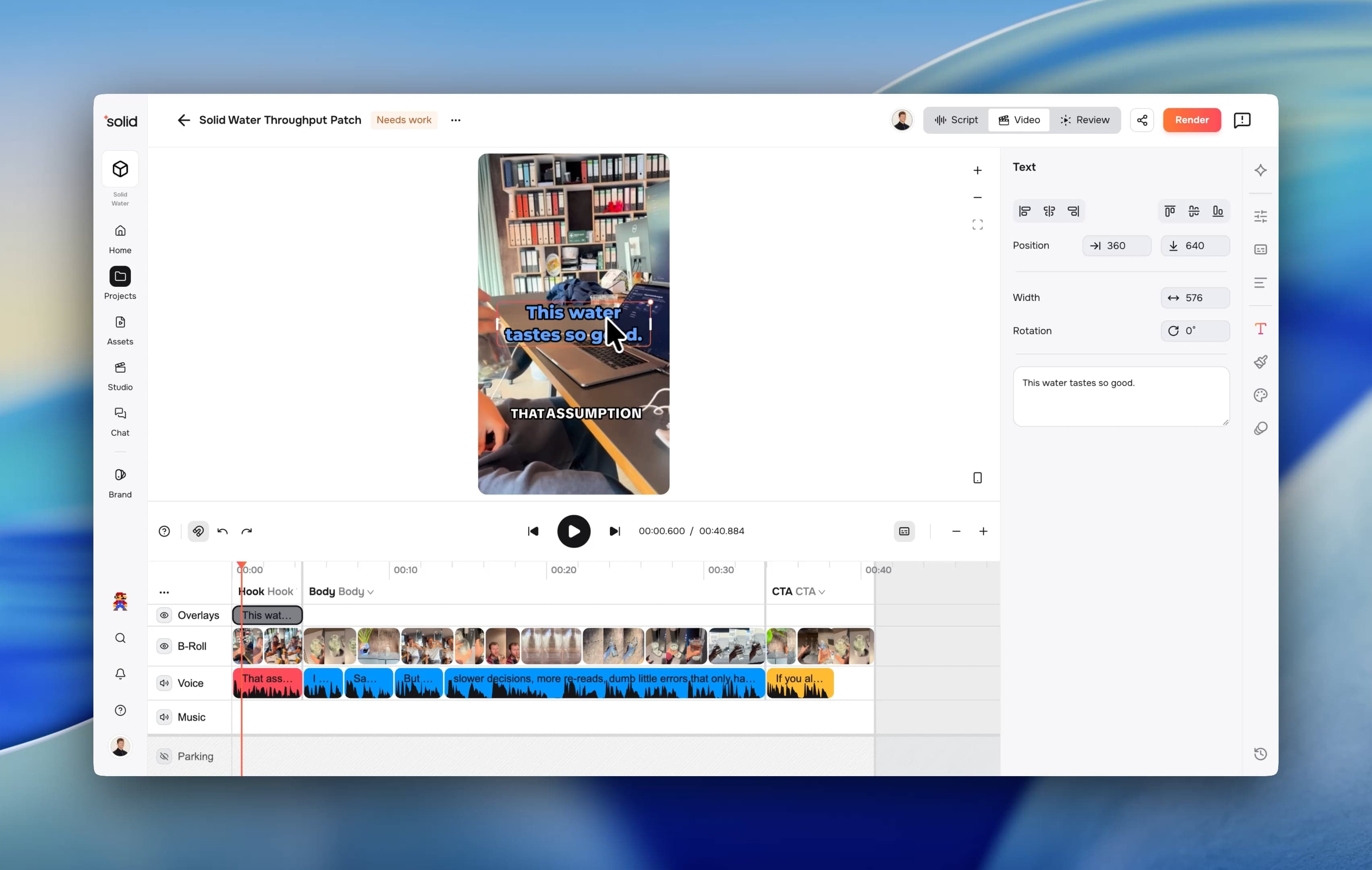
- See Who Is In a File Before You Open It: Each asset card now shows small face thumbnails of the people in that footage, up to four with a count for any more.
- Stills Work Like Any Other Clip: Images in your library, a brand end card for instance, now turn up in search and drop onto the timeline wherever you want them. They fit inside the frame rather than filling it, so text near the edges is not cropped off.
- Hear the Original Take: Play the recording behind a clip even after you have generated speech over it, so you can compare the two before committing.
- Know What Your Library Holds: File and scene counts for your workspace now sit in the sidebar.
- Help Where You Are: The property panels link straight to the help article for what you are looking at.
- Named Scenes: Split a scene and each piece comes out named, so you can tell them apart in a long list.
- Faster Library Paging: Scrolling deep into a long list stays quick instead of slowing down the further in you go.
Fixes & Under the Hood
- Fixed a reviewer being shown a fully interactive editor whose every change was silently discarded.
- Fixed scenes cut from a B-roll file copying its roll type unchecked, so a single-take interview no longer comes out entirely B-roll.
- Fixed a failed decode freezing the canvas until you reloaded the page.
- Fixed duplicate sources being created inside one batch, and repaired the projects already affected.
- Fixed a click landing on a clip underneath the one painted on top.
- Fixed a double-click on a dialog or on empty space opening the project behind it.
- Fixed gap removal restoring audio that a trim had already cut.
- Fixed a member being able to remove themselves and leave nobody who could manage the workspace.
- Fixed deleting a project leaving its collaboration room behind.