ChangelogSeptember 9, 2026
AI Assistant Access, Canvas Cropping & Caption Reveals
This update connects Claude, ChatGPT, and other AI assistants to your asset library, rebuilds how clips are sized and cropped on the canvas, and gives captions new reveals and styling.
 Keanu Born
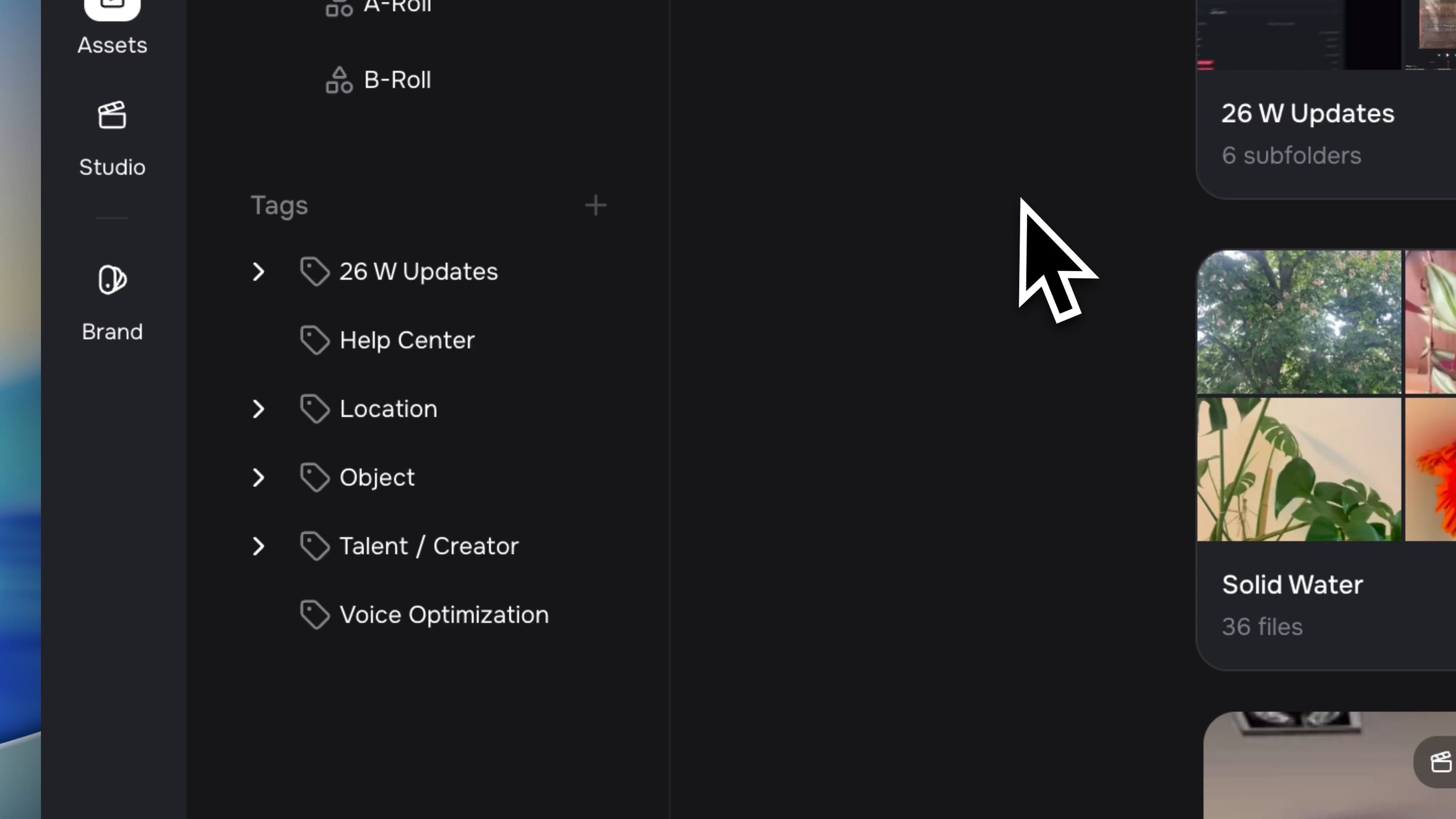
- AI Assistant Access: Connect Claude, ChatGPT, or any MCP assistant to Solid and let it browse, search, and tag your library for you.
- Canvas Cropping & Multi-Select: Size and crop clips directly on the canvas, and pick several at once with a lasso.
- Caption Reveals: Bring captions up word by word or line by line, with a fade, a scale, or a pop.
Connect Your AI Assistant to Solid
Point an AI assistant at your Solid library and it can go through your footage for you. The help center has a step-by-step guide to connecting Solid with your favorite AI.
- Browse or Search: Your assistant can page through a folder or a tag to see everything inside it, or search your whole library when you just want the closest matches.
- Rename and Delete Tags: Fix a misspelt tag by renaming it, without touching a single file. Delete a whole tag branch once nothing is using it any more.
- Preview a Bulk Tagging: Run a tagging job as a preview first and see exactly what it would change. If something is wrong, you get told everything that is wrong at once instead of one problem at a time.
Canvas Cropping & Multi-Select
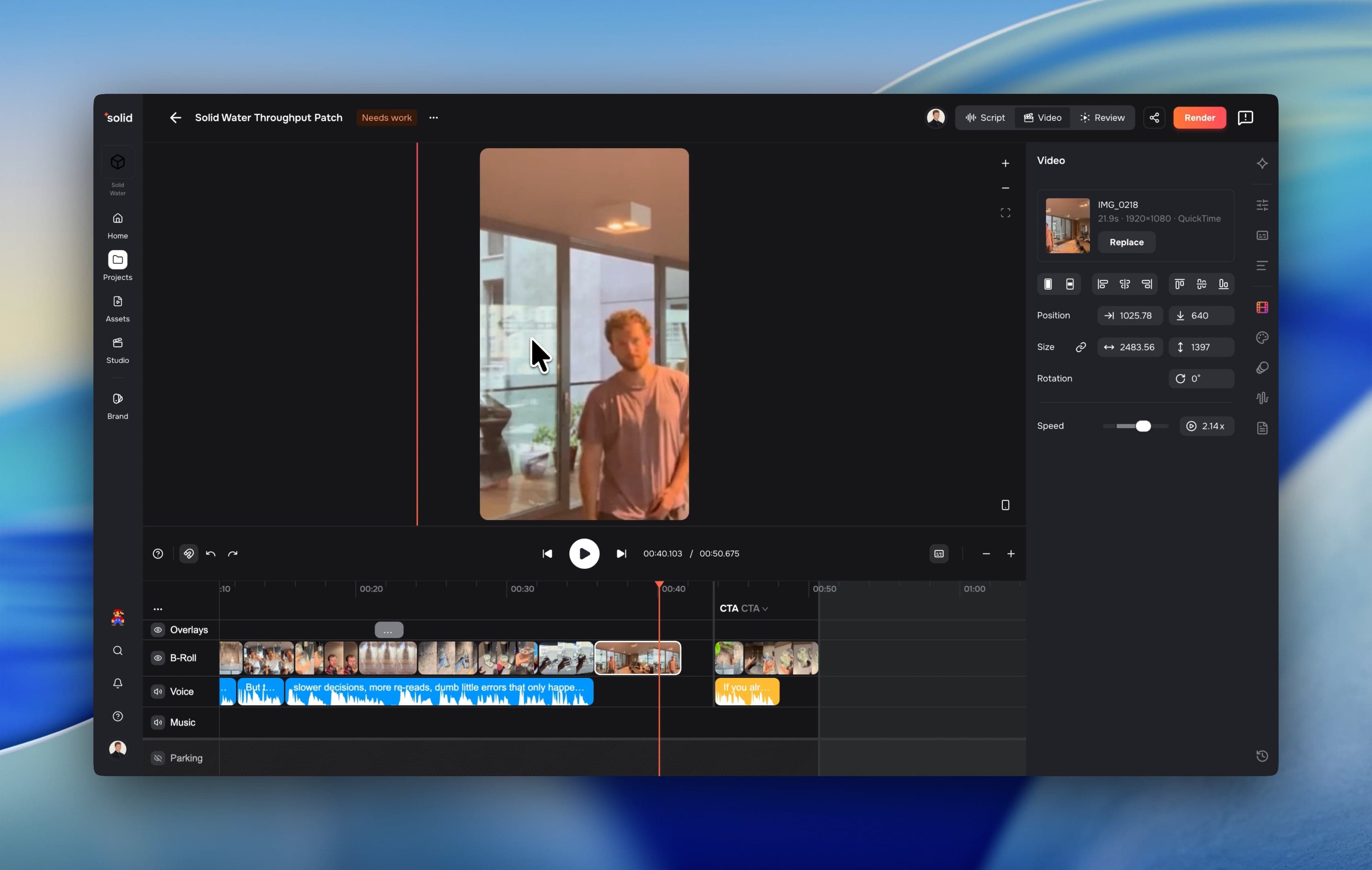
Sizing and framing a clip now happens directly on the canvas, with the controls where you are already looking. The help center walks through every control in the side panel.
- Crop in Place: Double-click a clip to open its crop. The whole picture comes on show with the hidden part dimmed, and the handles move the window rather than the picture.
- Width, Height, and a Link Toggle: Set a clip's size by number, with a toggle that scales the other side to match. Unlink it and the clip gets four edge handles on the canvas.
- Multi-Select and Lasso: Pick several clips on the canvas or the timeline and move them together, or drag from empty canvas to sweep a selection band.
- Quick Reset: Double-click a layout input's icon to send that number back to its default.
Caption Reveals & Styling
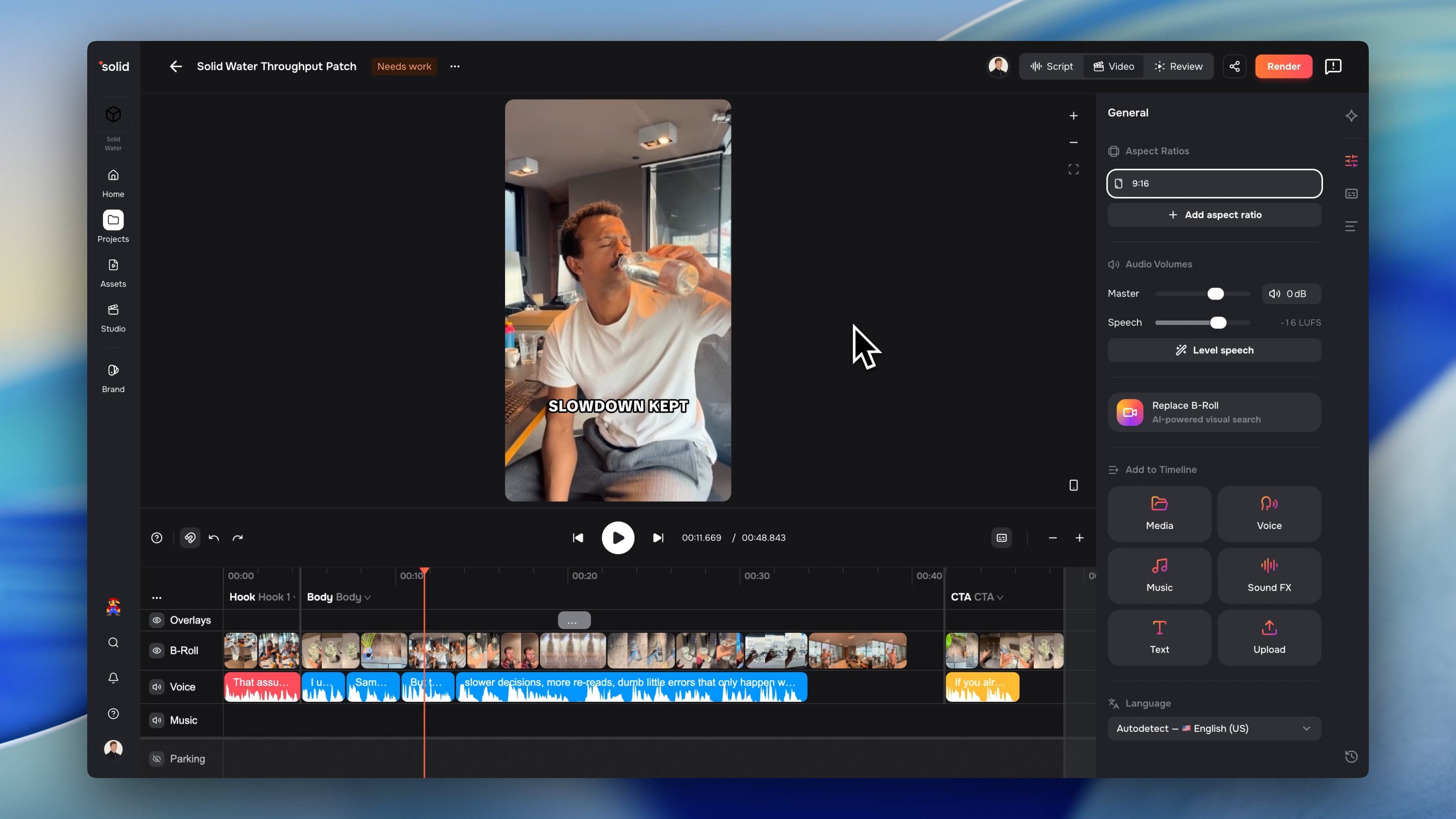
Captions can now arrive the way you want them to, and carry more of your brand's look.
- Word by Word or Line by Line: Bring a page of captions up all at once, line by line, or word by word, with a fade, a scale, or a pop.
- Line Spacing: Set how tightly your caption lines sit together.
- Styles on Text Overlays: Apply a saved caption style to a text overlay and the text treatment carries across while the box stays where you put it.
More Good Stuff
- Faster, Exact Voice Generation: Generated captions now spell your script back exactly as you wrote it, and every generation is a second or more quicker.
- Uniform Voice Across a Segment: Generate All voices a segment's script as a single read, so clips sharing that audio sound consistent rather than stitched together.
- No More Timeouts on Long Work: Drafting a script, translating one, and assembling A-roll now run in the background, so a long job finishes instead of giving up partway.
- Accent-Proof Search: Search now matches a word however its accents were typed, so "erschöpft" and "erschopft" find the same files.
- Smoother Playback on Long Timelines: The editor keeps only the frames around the playhead in memory for each clip, instead of holding everything a long source touched.
- Faster Brand-Aware Drafting: Work derived from your brand documents is now cached, so a second script off the same brand kit starts straight away.
- Seedance 2.5 Image-to-Video: Generating from a first frame now takes the output ratio from your image.
- Faster Tag Pages: Tag cards load their previews without reading through the whole tag first.
Fixes & under the hood
- Fixed transitions mixing the background in, so a fade now blends your two clips directly instead of both turning partly transparent halfway through.
- Fixed transitions drawing when only one of their two clips was active in the take on screen.
- Fixed two clips sitting at the same moment of one source sharing a single frame, where closing the first blanked the second.
- Fixed longer assistant requests being cut off before they could finish answering.
- Fixed a stalled background job blocking its own retry indefinitely.
- Fixed uploads carrying a not-ready state into your library listings, so a file now appears when it is genuinely ready to use.
- Fixed tag previews reading an entire tag and everything under it just to show four thumbnails.
- Fixed system tags appearing as cards on the tag page when they belong in the sidebar.
- Cleaned up the app by removing the video-card and long-to-short flows.