ChangelogJune 2, 2026
Pre-flight Card, Transparent Video Overlays & Smart Brand Captions
This update introduces a Pre-flight Card to filter clip tags and add custom instructions before the assembler starts finding your visuals, adds transparent video overlays, and brings smart brand captions.
 Keanu Born
- Pre-flight Card: A new configuration step lets you select exactly which tags to include or exclude and add custom prompt instructions before the assembler starts its clip search.
- Transparent Video Overlays: Overlay tracks now support transparent video clips with full alpha channel support.
- Smart Brand Captions: Multi-word brand names automatically stay locked together on a single line of text.
Pre-flight Card & Assembler Upgrades
We added a Pre-flight Card to the ad assembler workflow to give you complete control over how the system selects footage and interprets your creative goals.
- Pre-flight Configuration: Before the assembler begins building, this card lets you manually add tag filters to include or exclude specific content, while providing a text space to drop in extra instructions for the AI assembler.
- Magnetic Audio Snapping: Video segments automatically snap to your voiceover boundaries for perfect alignment.
- Audio Protection: The automated assembler is now blocked from overwriting your custom voice recordings during timeline revisions.
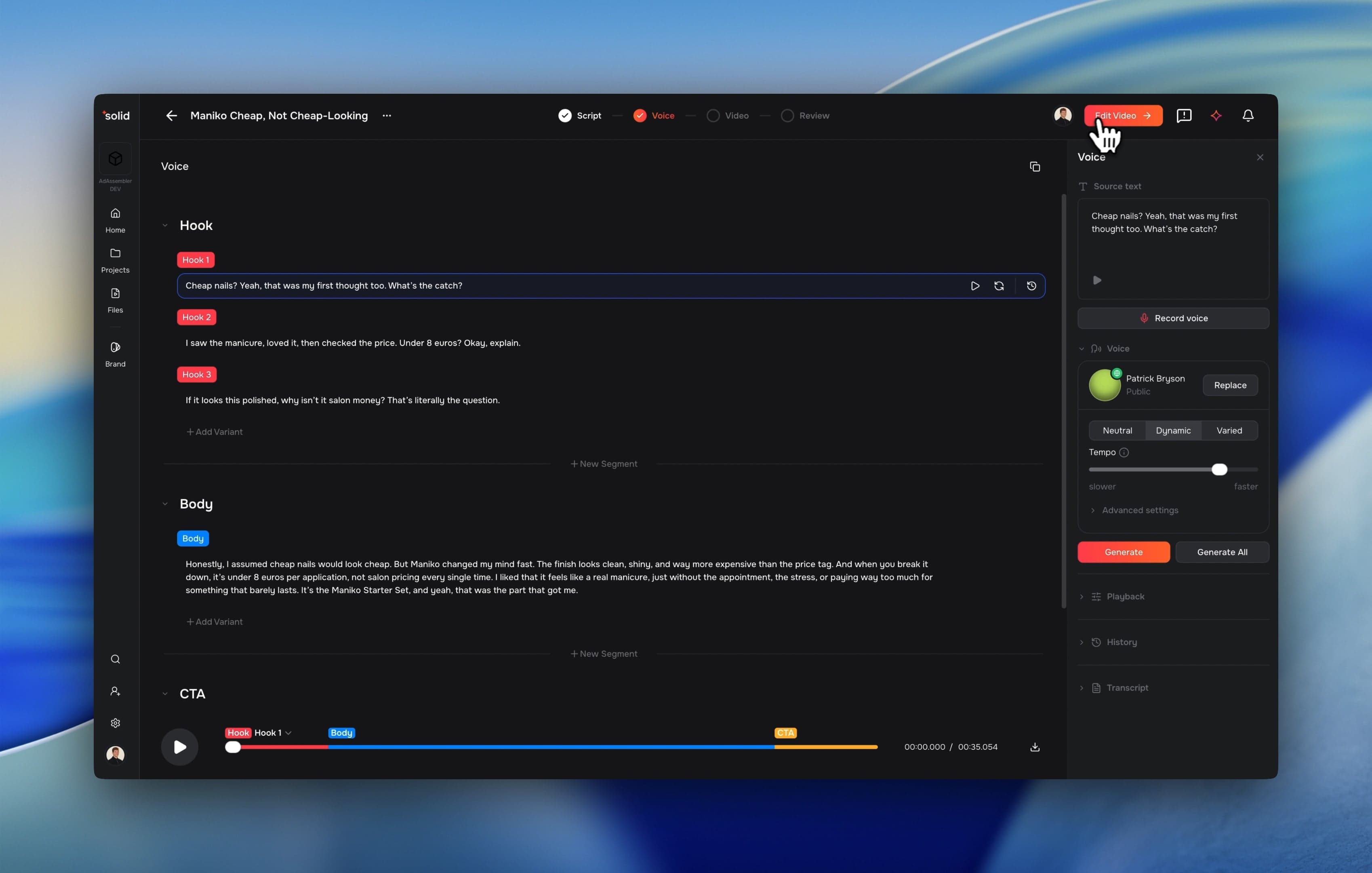
Transparent Overlays
We expanded your timeline creative limits by introducing native transparency support directly into the video pipeline. This allows you to layer complex visual graphics directly over your raw content assets.
- Transparent Video Tracks: You can now place transparent videos directly onto overlay tracks to build dynamic brand layouts.
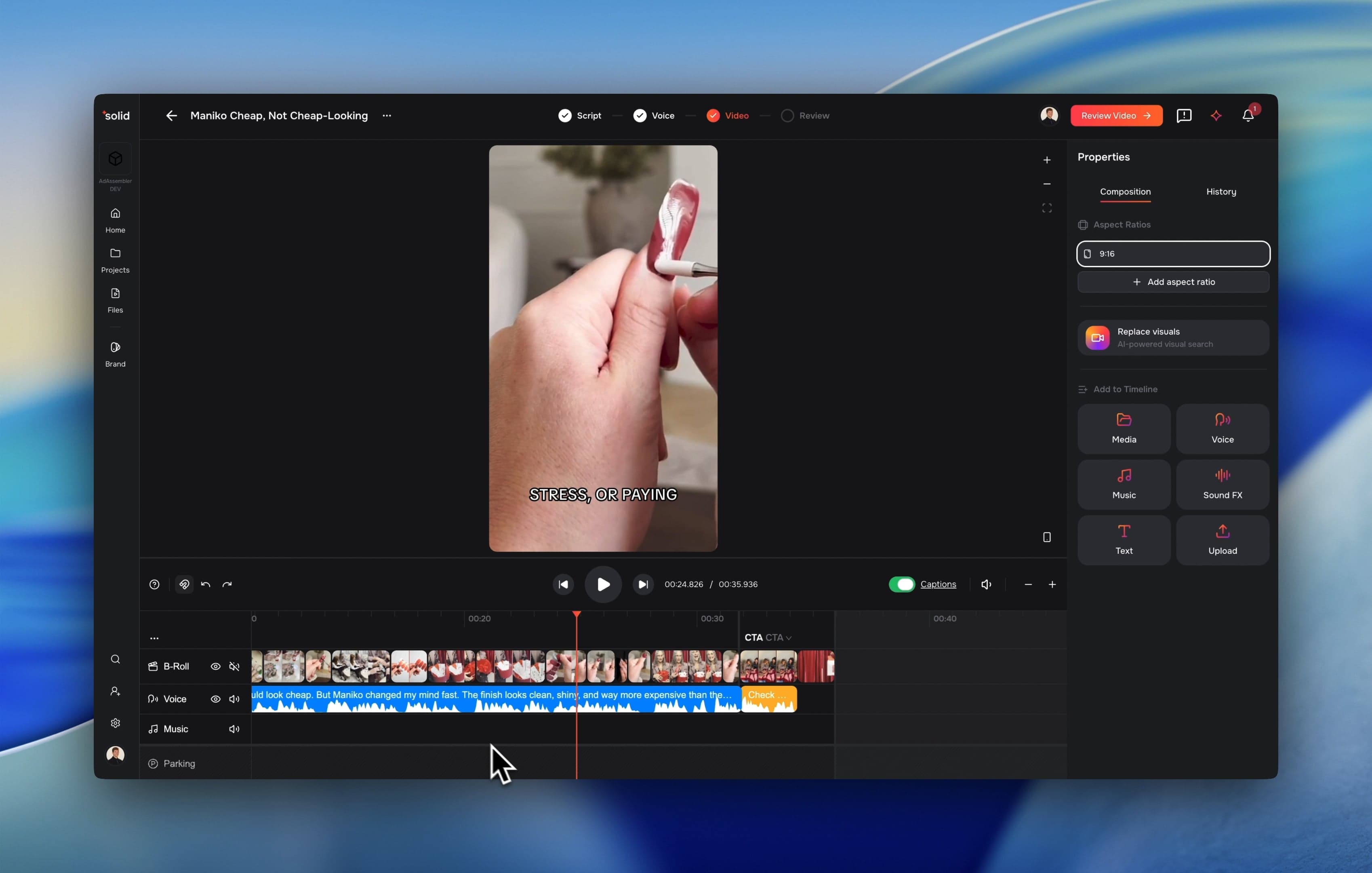
Smart Brand Captions
Automated captions are now much easier to read thanks to an upgraded timeline layout pass. The editor now respects specific brand terms and natural pacing to keep text layouts clean.
- Protected Brand Phrases: Automated captions now prevent multi-word brand entries from breaking awkwardly across lines.
- Smart Pagination: Captions use a layout pass to keep text breaks balanced and natural to read.
More Good Stuff
- Byte-Range Preview Streaming: The editor preview and renderer load media files faster by streaming only the exact frames required instead of downloading or pre-buffering full files.
- Project-Level Language Settings: Easily choose a primary language for your project to automatically guide auto-saves and AI voice generation setups.
- Smarter AI Voice Allocation: Automated workflows like the Ad Wizard now smartly match language-appropriate default voices and high-quality AI speech models to your project settings.
- Context-Aware Audio Trimming: Text transcripts and AI voice regenerations now match your exact timeline crops, preventing out-of-bounds dialogue issues.
- Expanded Timeline Zoom: Zoom out much further across the canvas timeline to review long-form video arrangements in one view.
- Expanded Image Support: The renderer now directly accepts GIF, BMP, TIFF, and HEIC image files.
- Audio Recording Controls: The interface now requests microphone permission cleanly and lets you filter inputs by specific device.
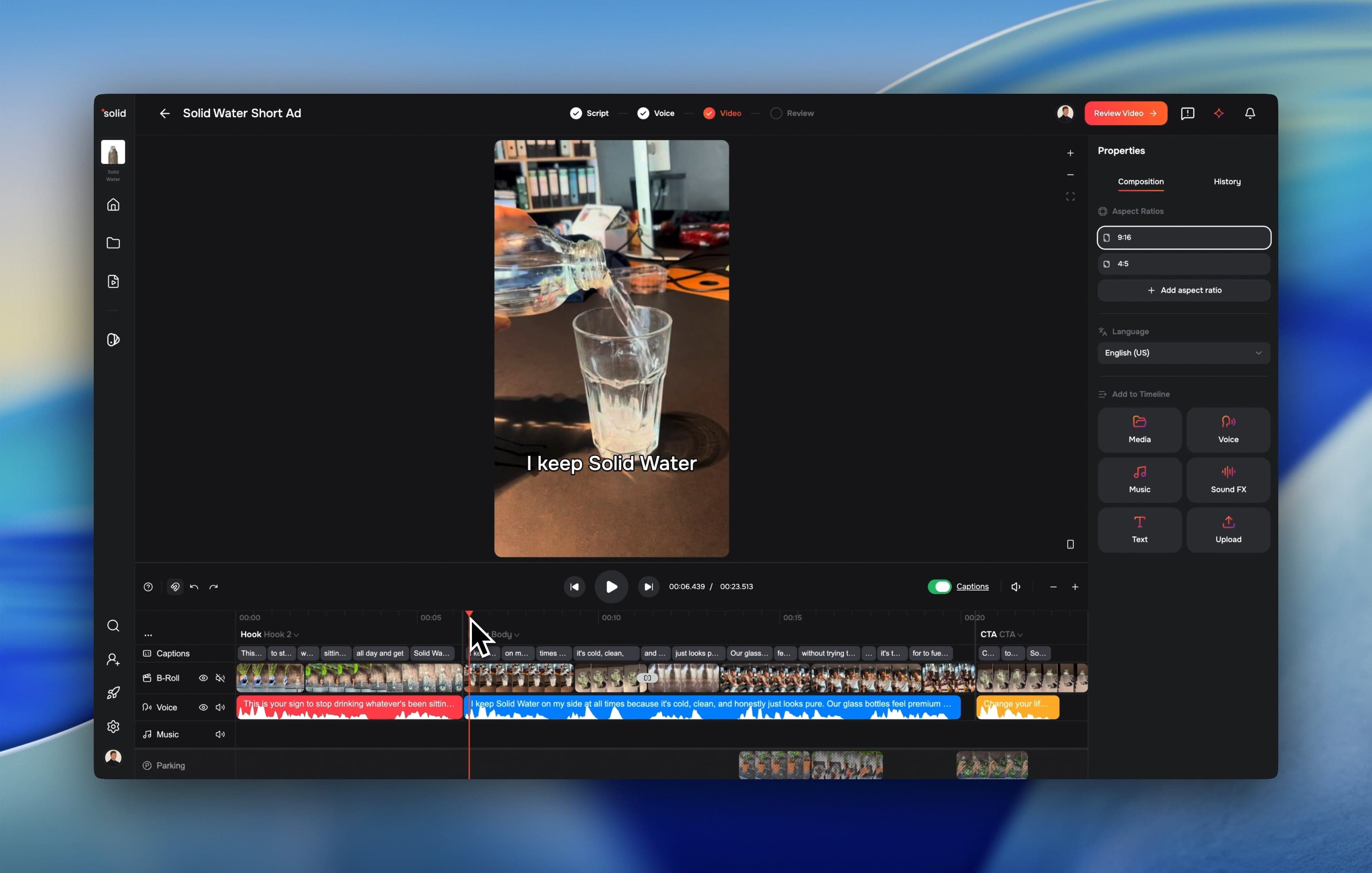
- New Canvas Aspect Ratio: Added a native 4:5 video layout option complete with asset cell fallbacks.
- Harvesting Drawer Updates: Easily see related sibling files and harvested clips together in the file drawer.
- Library Processing Indicators: Added a clear visual indicator tag to identify newly uploaded files that haven’t generated extracted scenes yet.
- Dark-Mode Visual Polish: Improved theme color tracking and layout consistency across the primary toolbar and project navigation panels.
Fixes & under the hood
Fixes & Under the Hood
- Fixed a critical upload issue where 4K HEVC video files timed out during processing by switching to a faster single-decode pass.
- Switched file and asset downloads to secure CloudFront links to speed up media loading across different global regions.
- Redesigned the look tab inside the unified properties panel around boxed cards to align with design specifications.
- Reduced the sidebar layout width to 320 pixels to maximize your timeline canvas editing space.
- Eliminated a library latency bug where fetching massive file archives could cause the application interface to freeze for up to 30 seconds.
- Rebuilt file tagging systems to safely support large batch edits without dropping data.
- Fixed a scene download bug where completion status bars would remain stuck indefinitely on “Preparing”.
- Fixed an audio playback bug where mismatched media sources could accidentally play back at abnormal speeds in the timeline preview.
- Prevented application crashes triggered by trying to delete the very last remaining video variation inside an active timeline segment.
- Ensured renders complete successfully even when a video asset does not contain an audio track.
- Improved chat assembler reliability by treating timeline micro-gaps as edit-blocking errors to prevent timeline bugs.
- Fixed a bug to ensure background audio tracks automatically stop playing during motion preview animations.
- Stabilized the chat assembler stream to prevent server dropouts using persistent server heartbeats.
- Completed infrastructure migrations to set solidlabs.com as our official production environment.