In-App Help Center, AI Content Credentials & Project Nudge Emails

This update introduces explicit AI transparency controls, automated email nudges to keep projects moving, and instant in-app help hints across your workspace.

Key Points
- Custom AI Credentials: Explicitly control when AI badges and C2PA digital signatures burn into your exported videos.
- Automated Project Nudges: Receive timely email digests and reminders to jump back into unfinished video drafts.
- In-App Help Center: Access instant guidance popovers directly inside your editing workflow.
Updated AI Tagging & Content Credentials
Take full ownership of how your content displays AI labels and digital credentials. You can now override automatic AI detection and choose exactly when badges burn into your exports.
- Explicit AI Marking: Enable or disable visual AI badges directly in the exporter settings based on your compliance needs.
- Modality-Specific Tags: Differentiate exports using dedicated "AI Audio" tags when only audio is AI-generated, or "AI Video" tags when video is AI-generated (even if the audio is also AI-generated).
- C2PA Digital Signatures: Force C2PA signing during export to ensure your files carry valid digital credentials across platforms.
- Dual-Modality Badges: Clean SVG badges automatically adjust size and contrast to remain readable over any video background.

Smart Nudge Emails
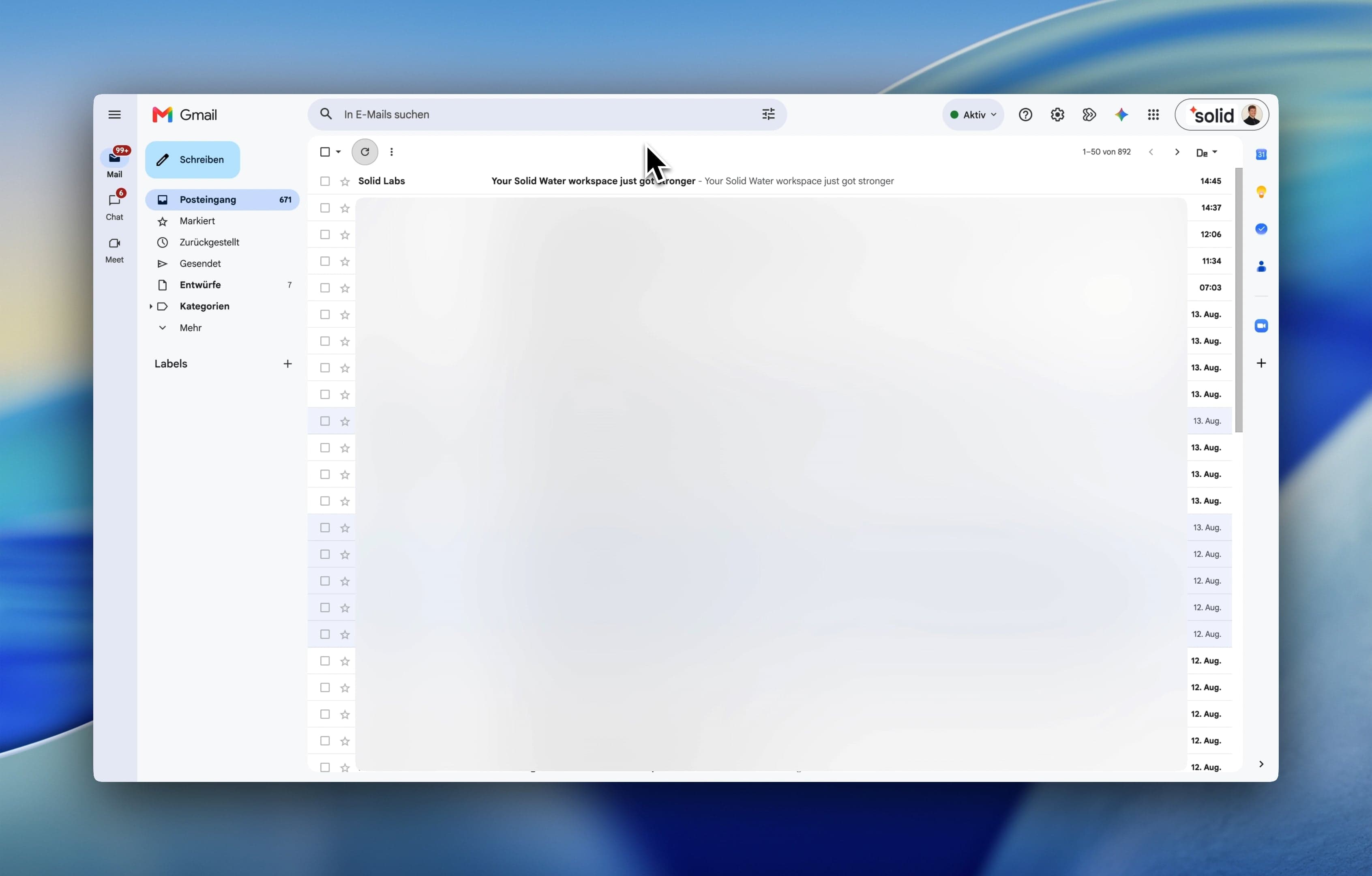
Keep team projects moving forward without manually chasing down feedback or forgotten drafts. Our new communication engine sends timely updates and reminders.
- Instant Comment Alerts: Collaborator comments and mentions now email recipients immediately so conversation flows without delay.
- Resume Draft Nudges: Receive helpful email reminders for untouched video drafts so promising projects do not get abandoned.
- Weekly Project Digests: Get a weekly summary highlighting top unfinished projects based on recent editing activity.
In-App Help Center
Get instant answers to your editing questions without leaving your workspace or opening a new tab.
- Contextual Help Hints: Click helper popovers across Brand, Assets, Projects, and Editor tabs to read instant tutorials.
- In-App Sidebar Access: Click the question mark button at the bottom of the left sidebar to open all Help Center articles directly inside the app without leaving your project.
- Solid Help: Browse through all articles at solidlabs.com/learn on the web to learn how to get the most out of our tool.
More Good Stuff
- Resumable Large Uploads: Files over 64 MB now upload in parts, letting large file transfers resume automatically after a dropped connection.
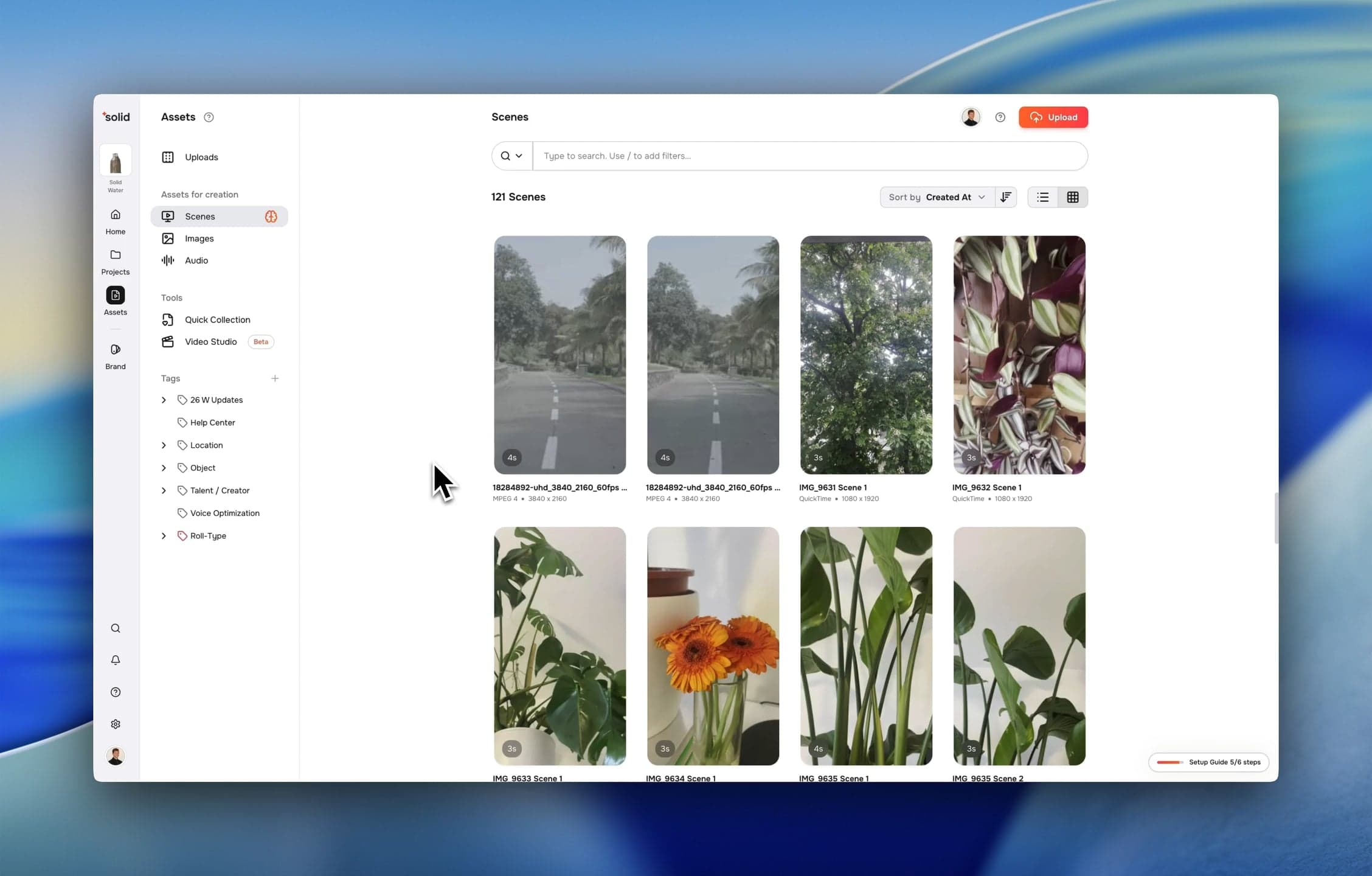
- Unified Scene & File Details: Inspect file details, edit scene boundaries, and manage asset tags inside a single dialog.
- Server-Side Voice Generation: AI script edits and voice synthesis now execute faster on the server without waiting on client browser tools.
- Multi-Sample Voice Cloning: Create custom voice clones using combined audio samples under 100 MB.
Fixes & Under the Hood
- Fixed an issue where lost connection updates permanently deleted project attributes during collaborative editing sessions.
- Resolved a bug where caption visibility toggles failed to repaint the video canvas.
- Upgraded image and audio analysis services off deprecated AI models for better generation stability.
- Improved billing account security so permissions strictly isolate workspace ownership from reviewer access.
- Fixed search pagination issues so file listings no longer duplicate items when scrolling.
- Corrected dark theme color declarations so embedded pages render accurate text and background contrast.