ChangelogMay 20, 2026
Chat-to-Edit, Speech-to-Speech, Pronunciation Dictionary & Motion UI
You can now edit entire video sequences using chat commands, clone audio cadences with speech-to-speech, and apply custom animations directly on the canvas.
 Keanu Born
- Chat-to-Edit: Build and adjust your ad by using our AI chat inside the sidebar.
- Speech-to-Speech: Record your own voice to drive the exact emotion and pacing of your AI voiceovers.
- Pronunciation Dictionary: Set brand-specific pronunciations once so AI voices never say your brand or product name wrong.
- Motion UI: Preview and apply animations and transitions instantly right on the timeline.
Chat-to-Edit
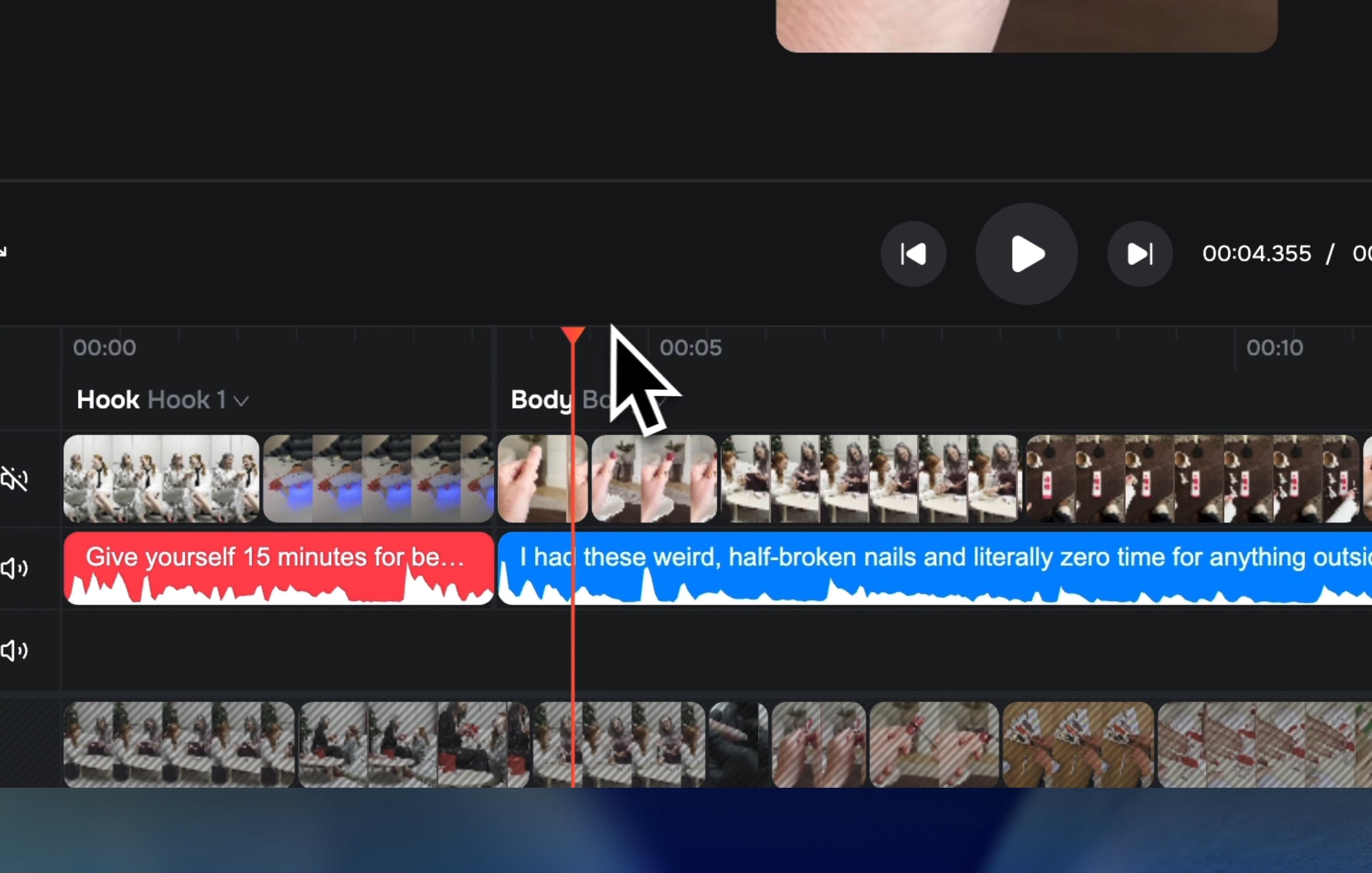
The AI chat inside the sidebar is now a fully functional video editor. Instead of manually moving clips, you can search for assets, match shots to your voiceover, and adjust the storyboard just by typing out what you need.
- Full Ad Assembly: The chat automatically builds out the complete video ad directly from your script and voiceover.
- Context Aware: The chat automatically reads your selected clips and project brief so you do not have to explain things twice.
- Reorder Tool: Swap scenes around easily with a built-in validation step to ensure the edit makes sense.
Speech-to-Speech
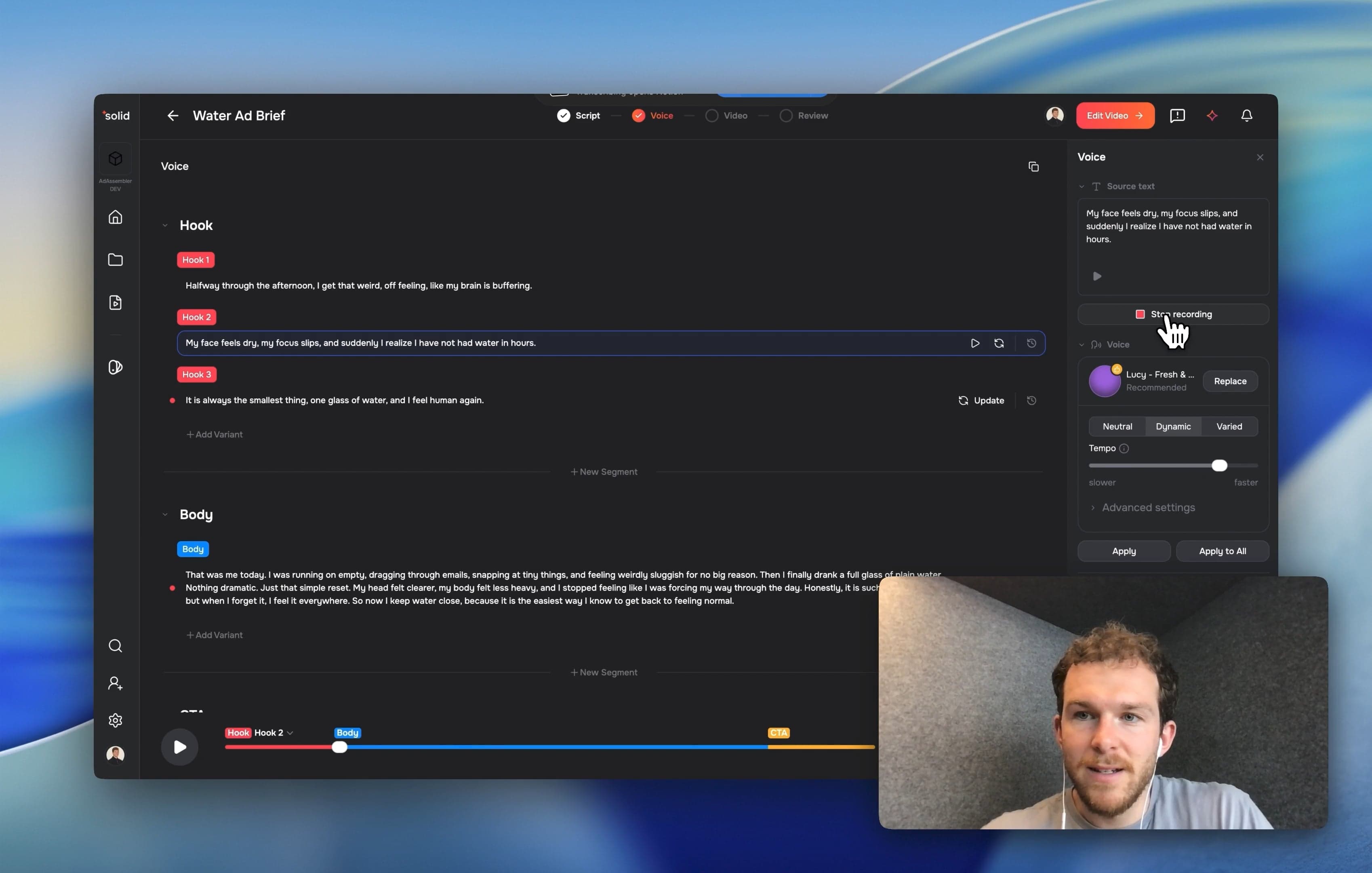
We completely overhauled the Voice Studio—the dedicated audio workspace inside the tool—to give you more control over generation. You can now guide AI voices with your own performance.
- Audio Recording Flow: Record your own voice directly in the editor to drive the cadence and emotion of the AI generation.
- Advanced Voice Settings: Adjust stability and style for your voice clones inside a cleaner user interface.
- User Audio Management: You can now split, trim, and copy-paste your own recorded audio clips directly on the timeline, treating them just like any other media asset.
Pronunciation Dictionary
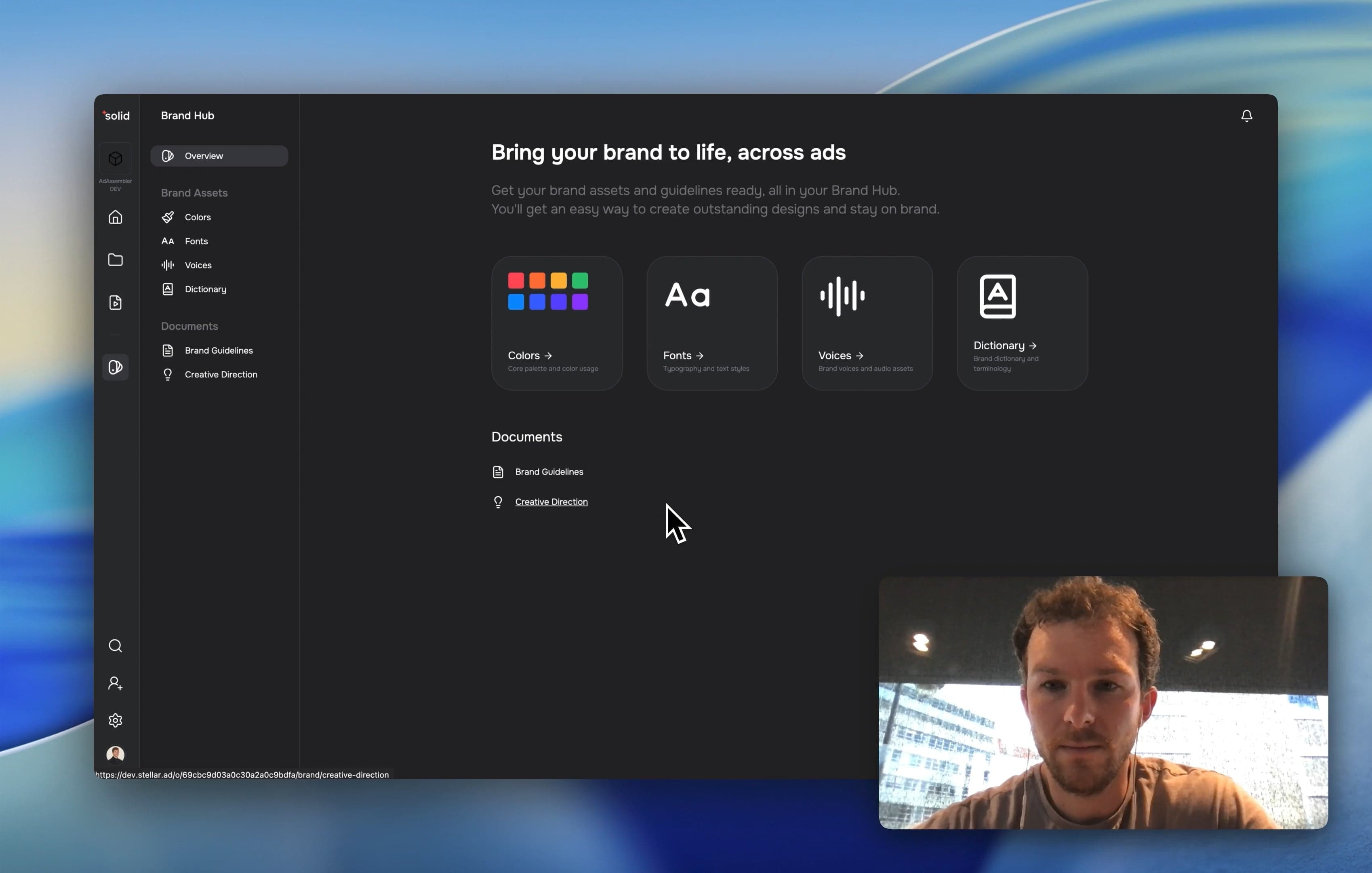
Your AI voiceovers just got significantly more accurate. We introduced a brand-level dictionary so your generated audio hits the mark on the first try.
- Brand Hub Integration: Add custom words or brand names directly into your workspace settings.
- Audio Previews: Test the audio playback of a word to ensure the text-to-speech engine always says it correctly.
- Automatic Application: Dictionary rules automatically apply to all text-to-speech clips in your video projects.
Motion UI
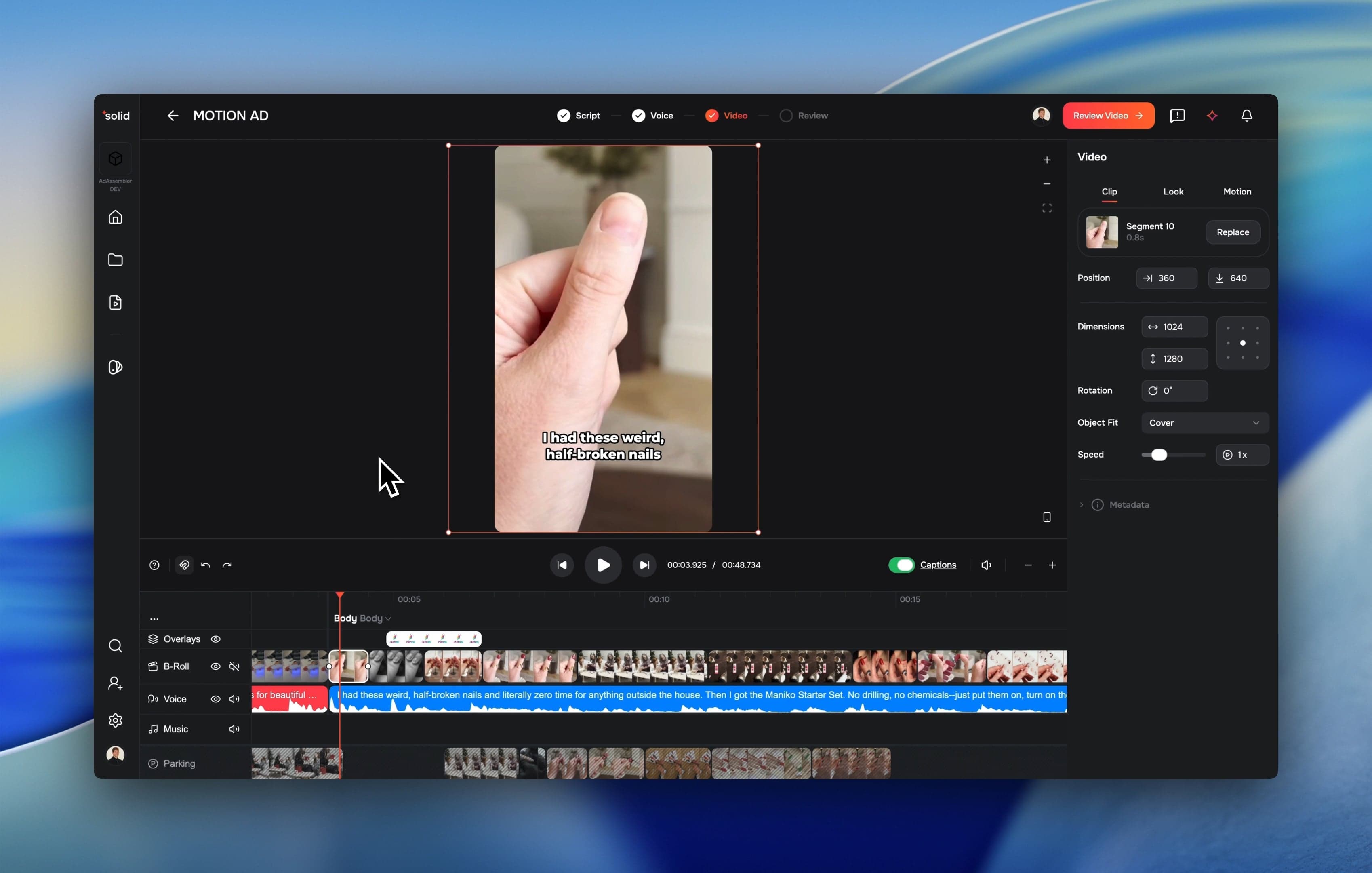
We rebuilt how animations and edge transitions function in the editor. You now get a dedicated Motion tab to control exactly how elements enter and exit the screen.
- On-Canvas Previews: See exactly how a preset transition looks directly on the canvas before you apply it.
- Unified Workspace: Animations, transitions, and motion paths are now managed in a single, clean interface.
More Good Stuff
- TikTok Caption Presets: The classic TikTok style is now the default for new projects.
- Blade-Mode Cut Indicator: See exactly where your cut will happen before you click the timeline.
- 16:9 Export Support: Easily render your projects in widescreen aspect ratios.
- Vertical Scrolling: Navigate complex, multi-track timelines easily with vertical scrolling support.
- Black Frame Warnings: The render dialog now warns you if your video has empty black frames before you waste time exporting.
Fixes & under the hood
- Faster Scene Processing: We moved high-definition video processing to a background queue so your editor stays fast while files load.
- Better Color Accuracy: HDR thumbnails and video atlases no longer look washed out.
- Snappier Chat: We pre-warm the AI connection so the chat sidebar responds faster when you open it.
- Memory Optimization: We cut the memory usage for scene processing in half to prevent crashes on heavy projects.
- Domain Migration: We transitioned the core infrastructure to solidlabs.com for better performance and reliability.
- Accurate Analytics: We closed tracking gaps on how projects are created so your organization health charts reflect real usage.