ChangelogMarch 16, 2026
Sound Effects, Voice Cloning, Platform Overlays & Slip Edits
This week we're turning up the volume—literally. Add sound effects from a searchable catalog, clone any voice from audio or video, preview how your content looks on TikTok and Instagram, and slip-edit clips with a single keystroke.
 Christoph Schütte
- Full sound effects support: Browse a searchable SFX catalog with categories and preview, drag effects onto a dedicated timeline track, and fine-tune them in a new properties panel.
- Instant voice cloning: Upload an audio sample—or even a video—and create a cloned voice in seconds with AI-generated descriptions.
- Platform safe-zone overlays: Toggle TikTok, Instagram, and YouTube overlays on the canvas to see exactly how your content will frame on each platform.
- Slip edits: Hold Y and drag any clip to shift its source media without moving the clip on the timeline—perfect for dialing in the exact moment.
- Plus: clip context menus, a Discover Voices tab, scene harvesting waveforms, smarter ad assembly, and a refreshed blog design.
Sound Effects
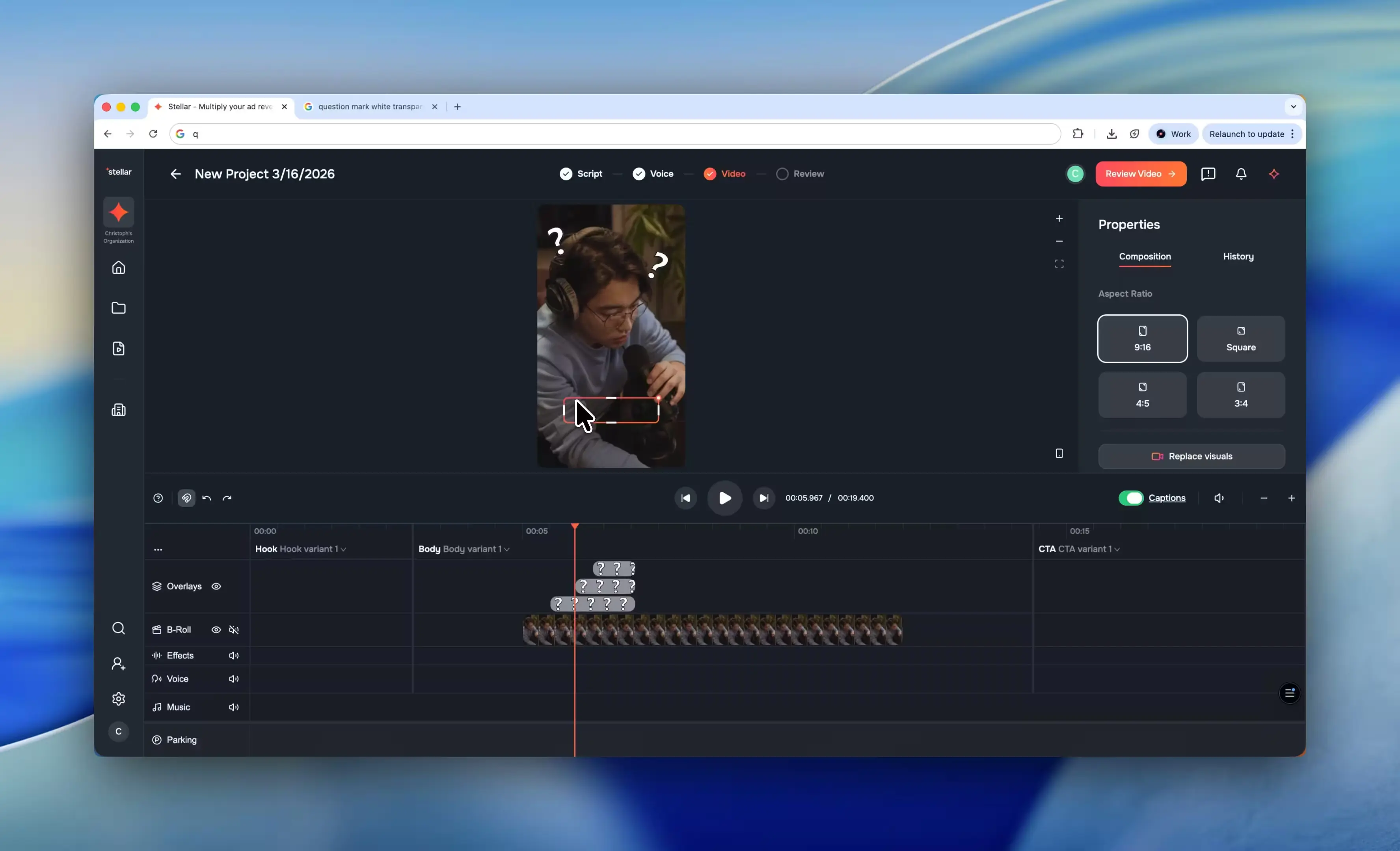
Your timeline just got a whole new dimension. We’ve shipped end-to-end sound effects support—from a brand-new SFX track type to a searchable catalog organized by category, complete with inline preview so you can audition effects before dropping them in.
Browse the catalog sidebar, find the perfect whoosh, click, or ambient pad, and it lands right on a dedicated SFX lane in your timeline. Need to fine-tune? The new SFX properties panel gives you full control over each effect. Behind the scenes, the C++ rendering pipeline handles SFX playback natively, so everything stays in sync through to your final export.
Instant Voice Cloning
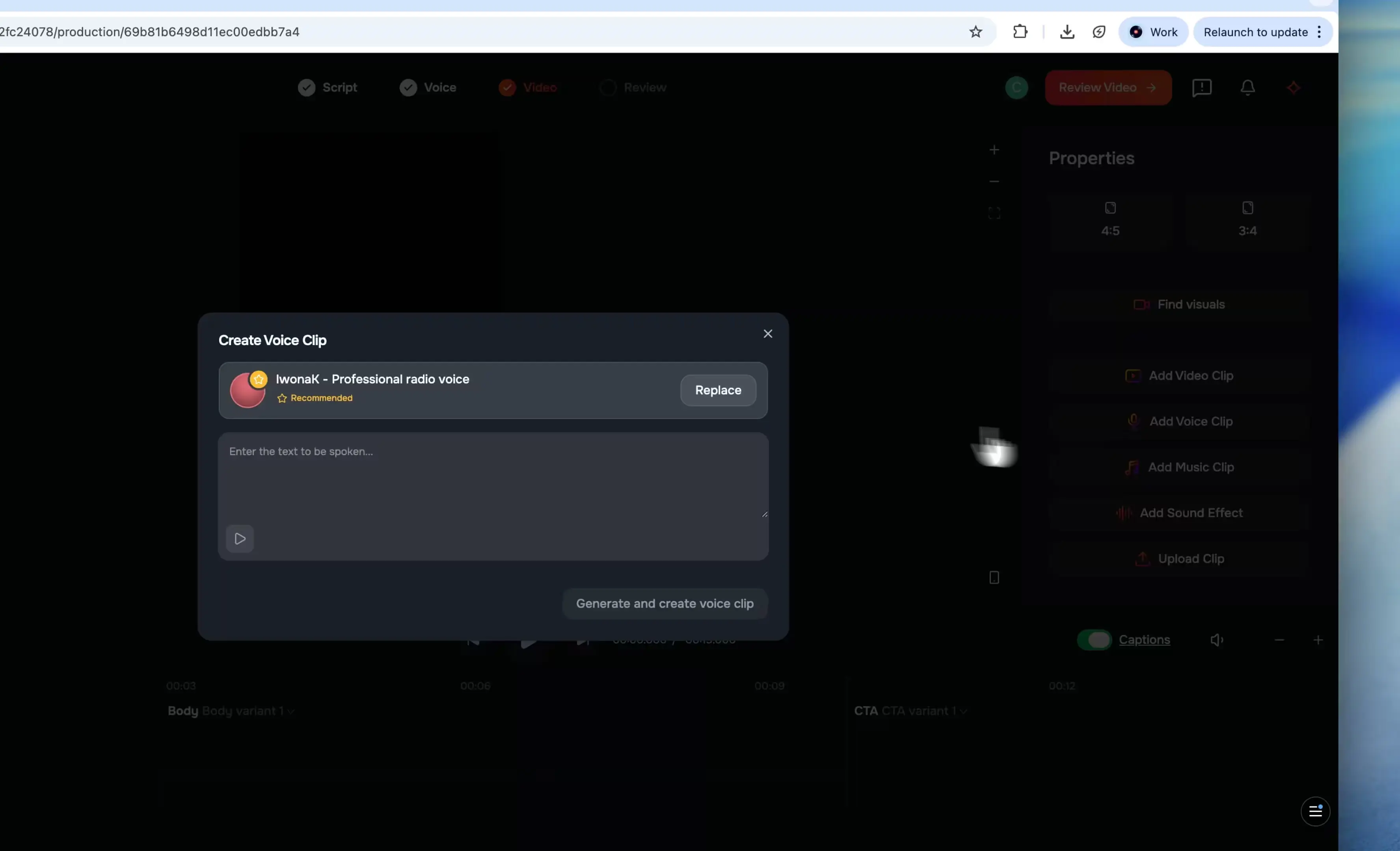
Creating a custom voice is now as easy as uploading a sample. Our new instant voice cloning feature uses ElevenLabs’ API to generate a cloned voice from any audio clip, complete with AI-generated voice descriptions and a clean multi-step UI that walks you through the process.
Got a great take buried in a video file? No problem—you can now clone directly from video too. The audio track is extracted right in your browser using FFmpeg WASM, so there’s no manual conversion step. And with the new Discover Voices tab, you can also browse and import voices from ElevenLabs’ shared library to expand your palette even further.
Platform Overlays
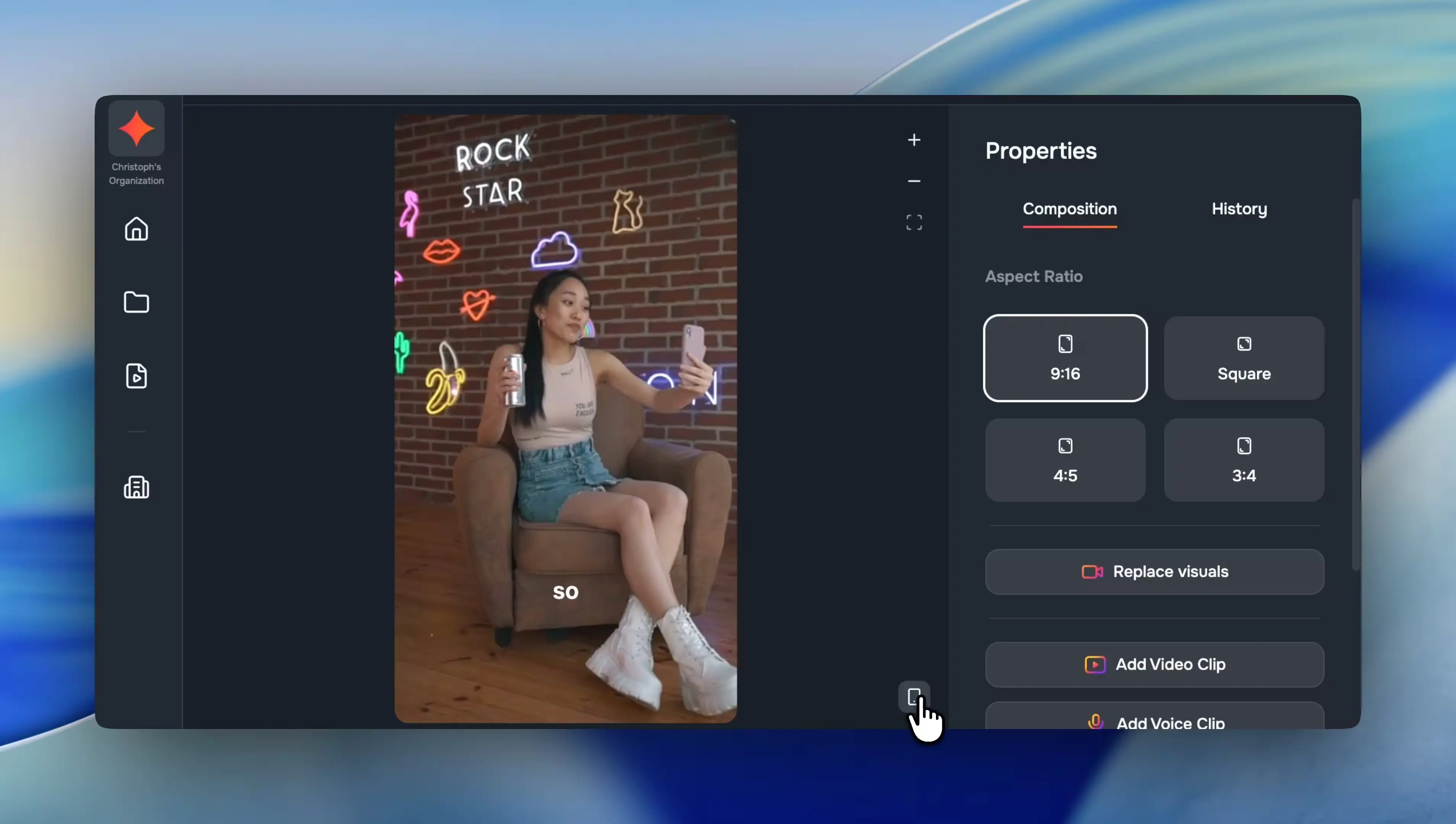
What looks great in the editor doesn’t always look great in a vertical feed. Our new platform overlay toggle lets you preview TikTok, Instagram, and YouTube safe zones directly on the canvas, so you can see exactly where captions, buttons, and UI chrome will cover your content.
It’s a quick toggle—switch between platforms to check framing without leaving the editor. No more guessing whether your text will get clipped by a platform’s UI.
Slip Edits
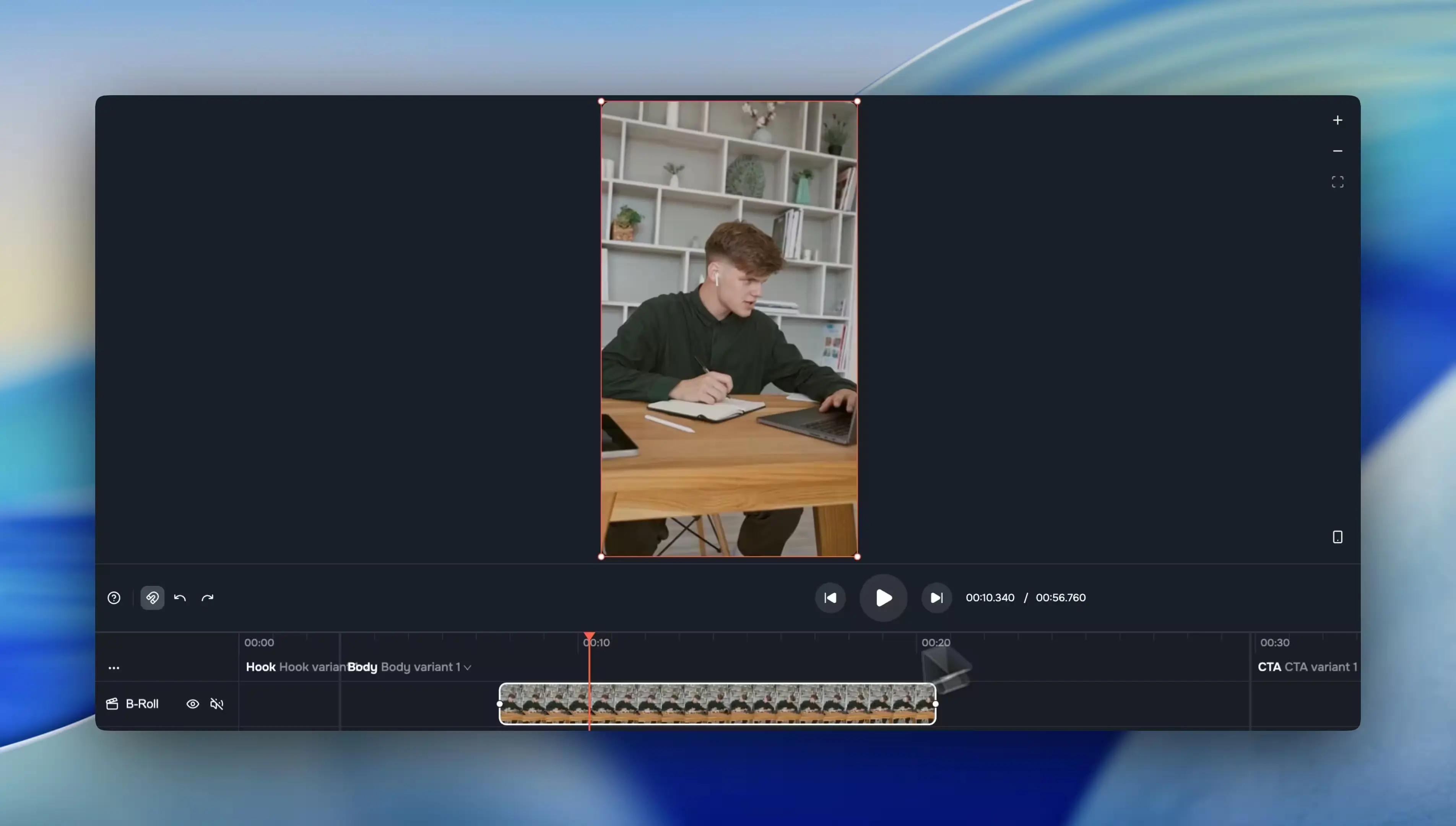
Sometimes a clip is in the right spot on the timeline but showing the wrong moment from your source footage. That’s exactly what slip editing is for. Hold Y and drag any clip to shift its source media offset—the clip stays put, the duration stays the same, but the content slides underneath.
It’s one of those pro editing techniques that’s surprisingly hard to find in browser-based tools. Now it’s just a keystroke away.
✨ More Good Stuff
Beyond the headliners, this week is loaded with workflow improvements across the board:
- Clip context menu: Right-click any timeline clip to duplicate, delete, split, replace, or add from your asset library.
- Discover Voices: A new tab for searching and importing voices from ElevenLabs’ shared library, with gender and age metadata on every voice card.
- Scene harvesting audio & transcript: The harvesting interface now shows audio waveforms and a transcript sidebar to help you pinpoint A-roll scenes.
- Assembly mode selector: Choose between flash, refined, and deep-think modes when assembling visuals—each powered by a different LLM for the right speed-vs-quality tradeoff.
- Related clips: The asset detail dialog now surfaces other clips extracted from the same source file in a new sidebar tab.
- Improved translation dialog: Pick language, voice, and translation instructions in one streamlined step instead of nested submenus.
- Blog design refresh: Redesigned with breadcrumb navigation, updated typography, key-points sections, and pull quotes.
All together, this release adds an entire new audio layer to the editor, makes voice workflows dramatically faster, and gives you the visual confidence to ship content that looks great everywhere it lands.
Fixes & under the hood
Plenty of reliability and infrastructure work shipped alongside the features:
- UTF-8 case mapping: The C++ caption renderer now uses proper UTF-8 case mapping via
utf8proc, fixing accented and non-Latin characters that were rendering incorrectly. - GraphQL request batching: Apollo batching with a 20ms window and max 50 requests reduces network chatter on both client and server.
- Overlay clips span segments: Overlay clips can now stretch across segment boundaries instead of being confined to a single segment.
- Ultrashort clip guardrails: Clips that would be trimmed below minimum duration now proportionally steal time from neighbors instead of producing unusably short cuts.
- Resilient AI chat: Dexie database errors no longer block message sends, with automatic retry and a recovery toast when things go sideways.
- Graceful duplicate handling: Duplicate Step Function invocations now return success instead of throwing, and assets trigger duplicate detection when undeleted.