ChangelogJuly 2, 2026
Nested Folders, Automatic Folder Tagging & Automated Video Classification
This update brings more structure into your organization by introducing nested folder layouts, automatic folder-to-tag mirroring, and automated video classification.
 Keanu Born
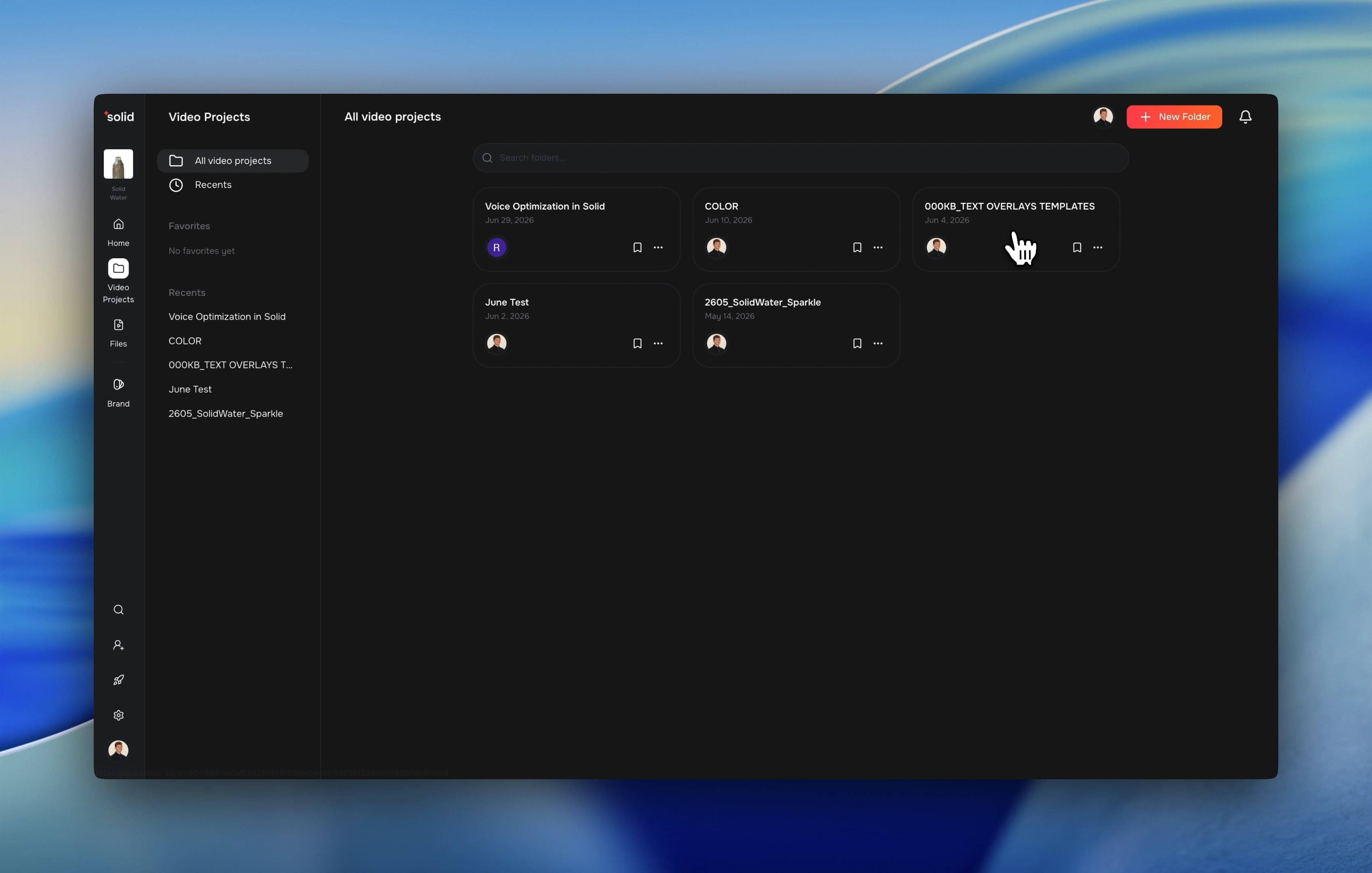
- Nested Folder Organization: Managing high volumes of video projects is much cleaner and more organized with nested folders.
- Automatic Folder Tagging: Drag and drop entire local folder structures directly into the file manager to automatically generate matching tag trees.
- Automated Video Classification: The system automatically analyzes and tags your uploaded videos as A-roll, B-roll, or mixed footage.
- AI Provenance Signing: Every exported video now includes secure digital credentials to ensure compliance with modern content guidelines.
Nested Folder Organization
Managing high volumes of video projects is much cleaner and more organized with nested folders. You can now structure your workspace exactly the way you want to keep track of every campaign.
- Draggable Multi-Select: Select multiple video projects simultaneously and drag them directly into nested folders to clean up your workspace.
- Deep Hierarchies: Build folder structures up to eight levels deep to organize assets by client or brand.
Automatic Folder Tagging
Migrating your existing media libraries from Google Drive or local hard drives is now entirely automated. You can maintain your current organization without recreating it manually line by line.
- Structure Mirroring: Upload a main folder containing sub-folders and sorted videos via drag and drop or the upload button. The system copies your exact folder paths directly into the tag tree system.
- Instant Bulk Tagging: Every file within the uploaded folders is processed automatically. The system assigns matching tags based on the original directory structure to save you manual classification work.
Automated Video Classification
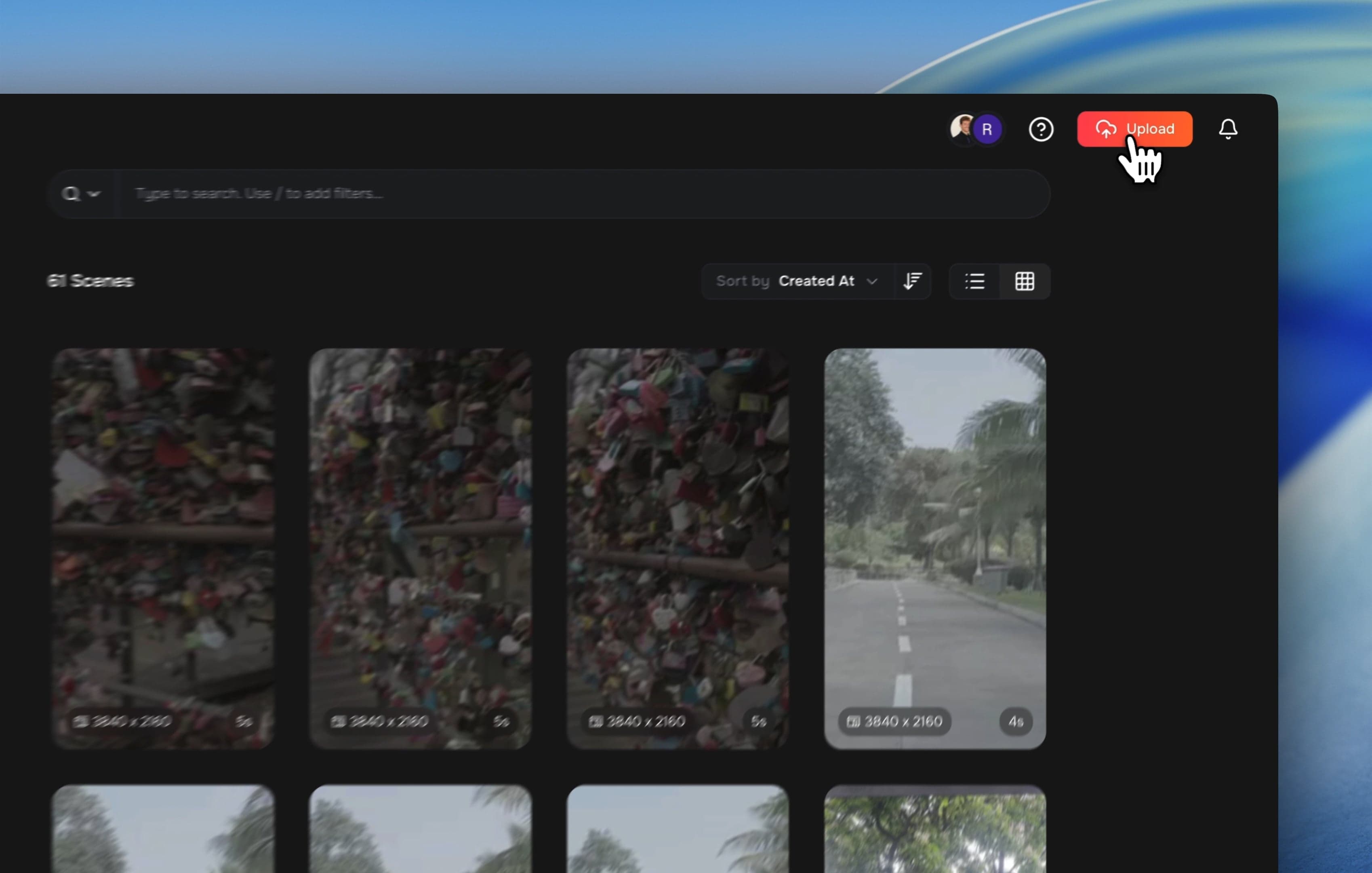
Keep your asset library perfectly organized without any manual effort. Every video you upload is now automatically categorized by its content type, appearing as a new fixed system tag for every organization.
- Smart Roll Tagging: The system instantly detects talking-head footage, background scenes, or mixed content. It applies these fixed tags to your files immediately upon upload.

More Good Stuff
- Volume-Aware Waveforms: Audio timelines scale visually with actual volume adjustments to make mixing straightforward.
- Audio Library Integration: Search your connected audio catalog to fetch instant background music suggestions directly in the creative workflow.
- Smart Upload Widget: The global file upload container can now be pinned, minimized, or dragged anywhere on your screen.
- Helpful Login Handling: Improved authorization paths automatically accept organizational invites to remove onboarding errors.
Fixes & under the hood
- Fixed an issue where uploading a video file that only contains an audio track would cause a failure by automatically rerouting it to the audio pipeline.
- Fixed an issue where open connections caused temporary request limits and system slow downs.
- Resolved a bug that caused the video editor to freeze on a loading screen when encountering empty data fields.
- Fixed a rendering glitch where text outlines on overlapping lines would paint on top of neighboring words.
- Corrected a trimming preview error where the last frame of a video clip would blank out when editing from the end.
- Replaced third-party data layers with a direct database configuration to increase application speed and stability.
- Fixed search errors on root-level video projects by safely allowing empty folder properties.