ChangelogMay 13, 2026
Unified Asset Library, Multi-Aspect Exports & Video Transitions
This update overhauls how you manage media with a unified file system, speeds up your workflow with multi-aspect exports, and brings foundational transitions to the editor.
 Christoph Schütte
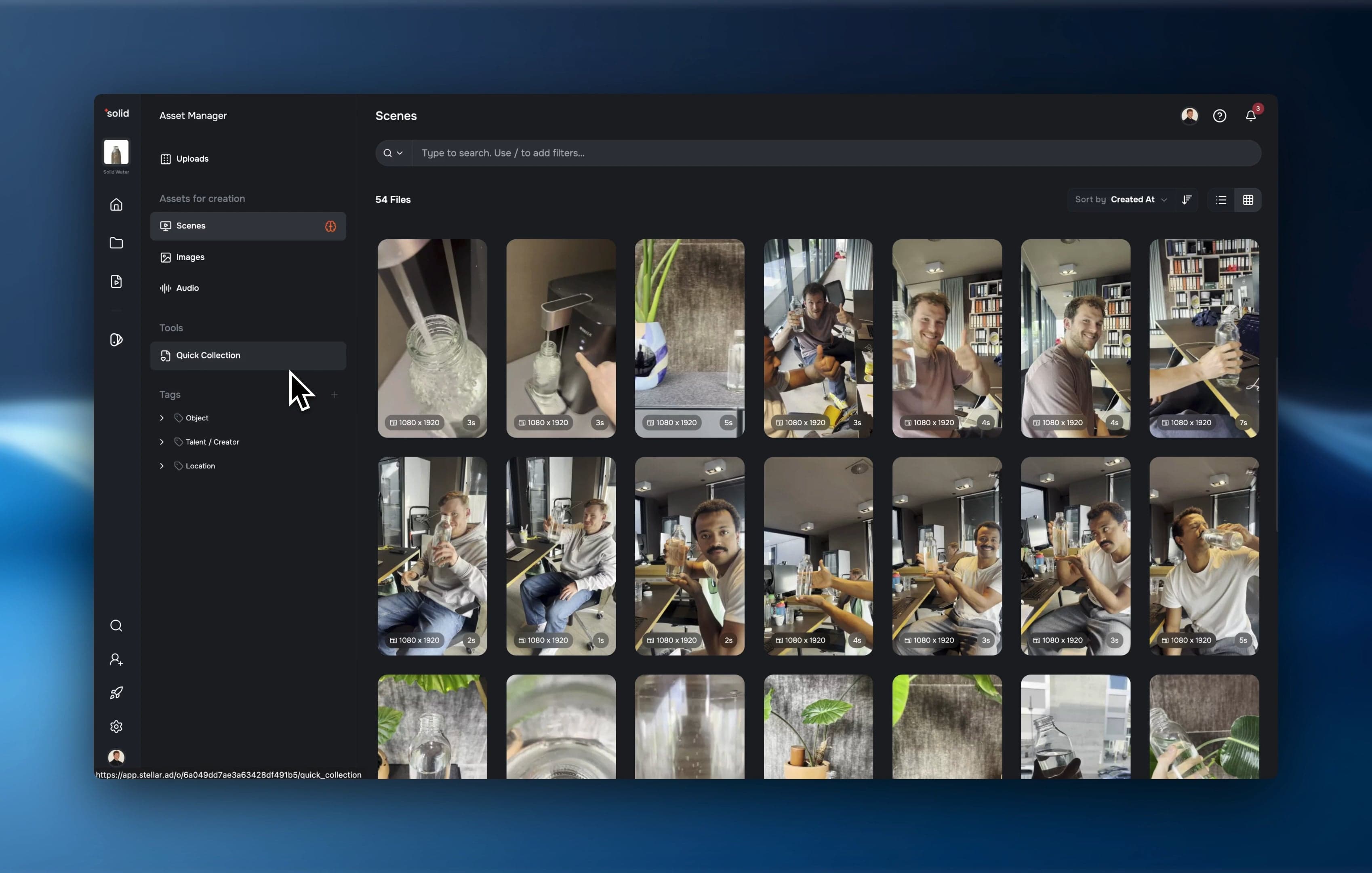
- Unified Asset Library: All your videos, images, and audio are now managed in a single, lightning-fast view with hierarchical tagging.
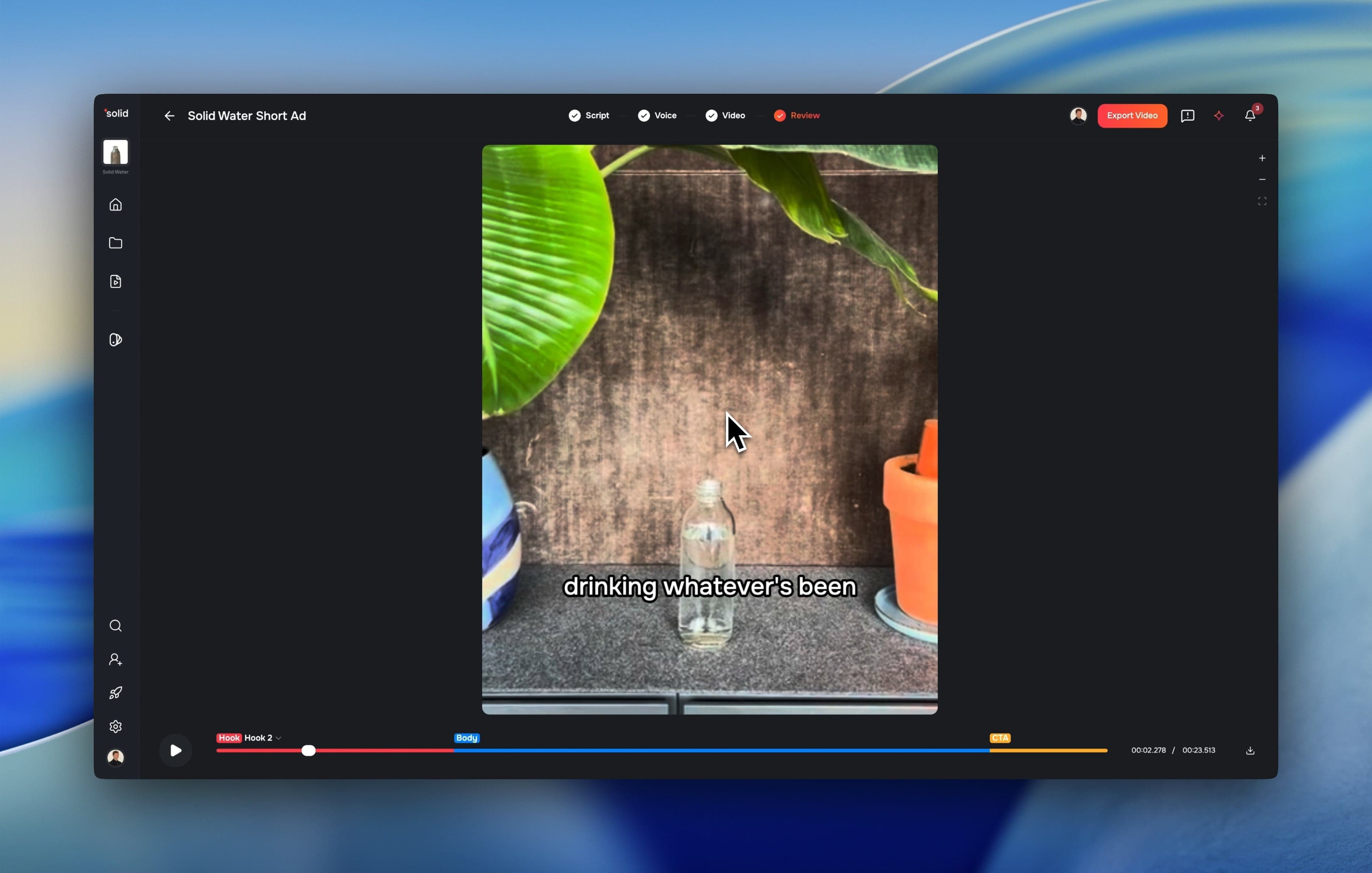
- Multi-Aspect Exports: Render the same video in multiple aspect ratios in a single export job.
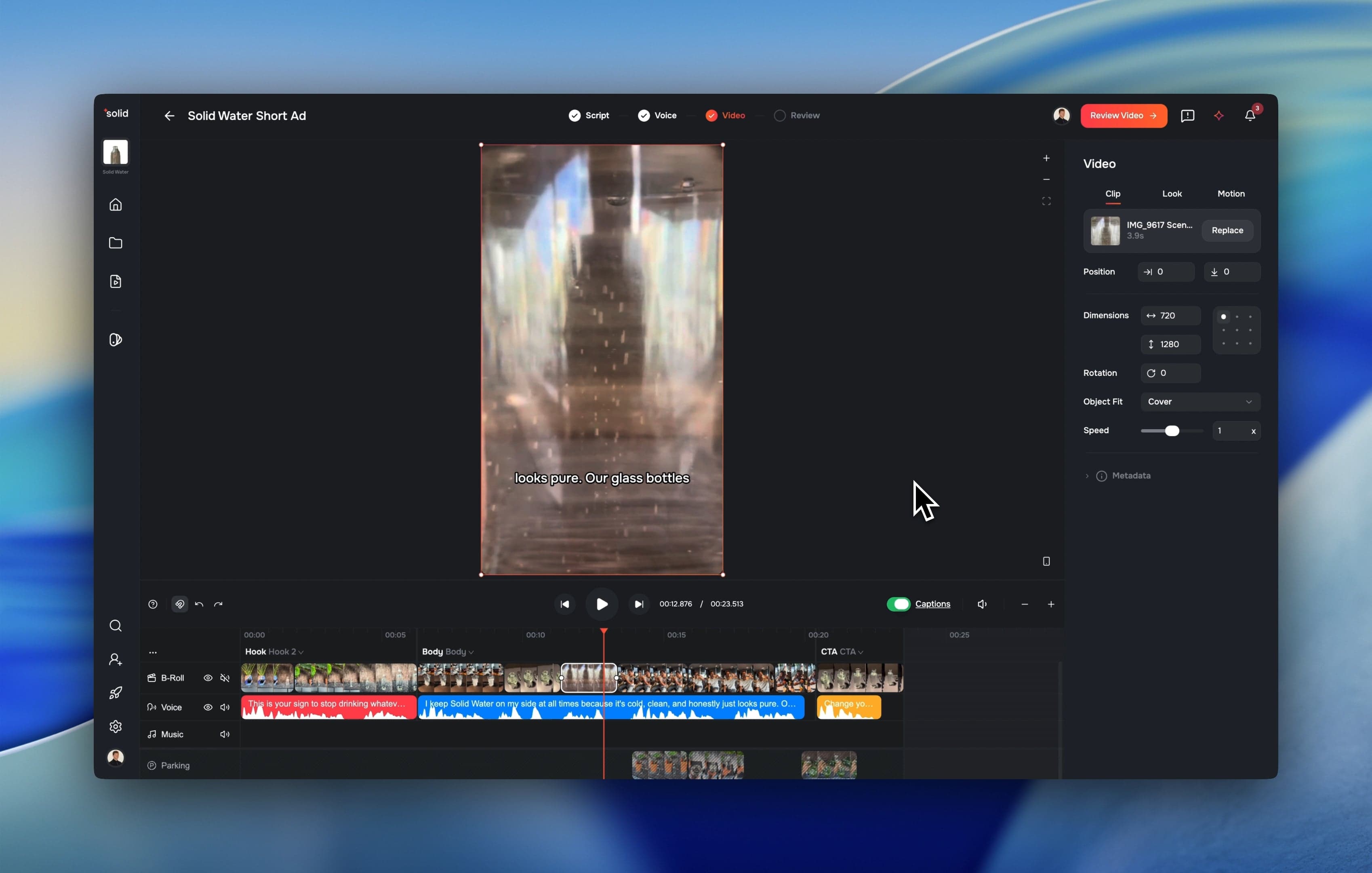
- Video Transitions: We added foundational transition support for both video and image clips.
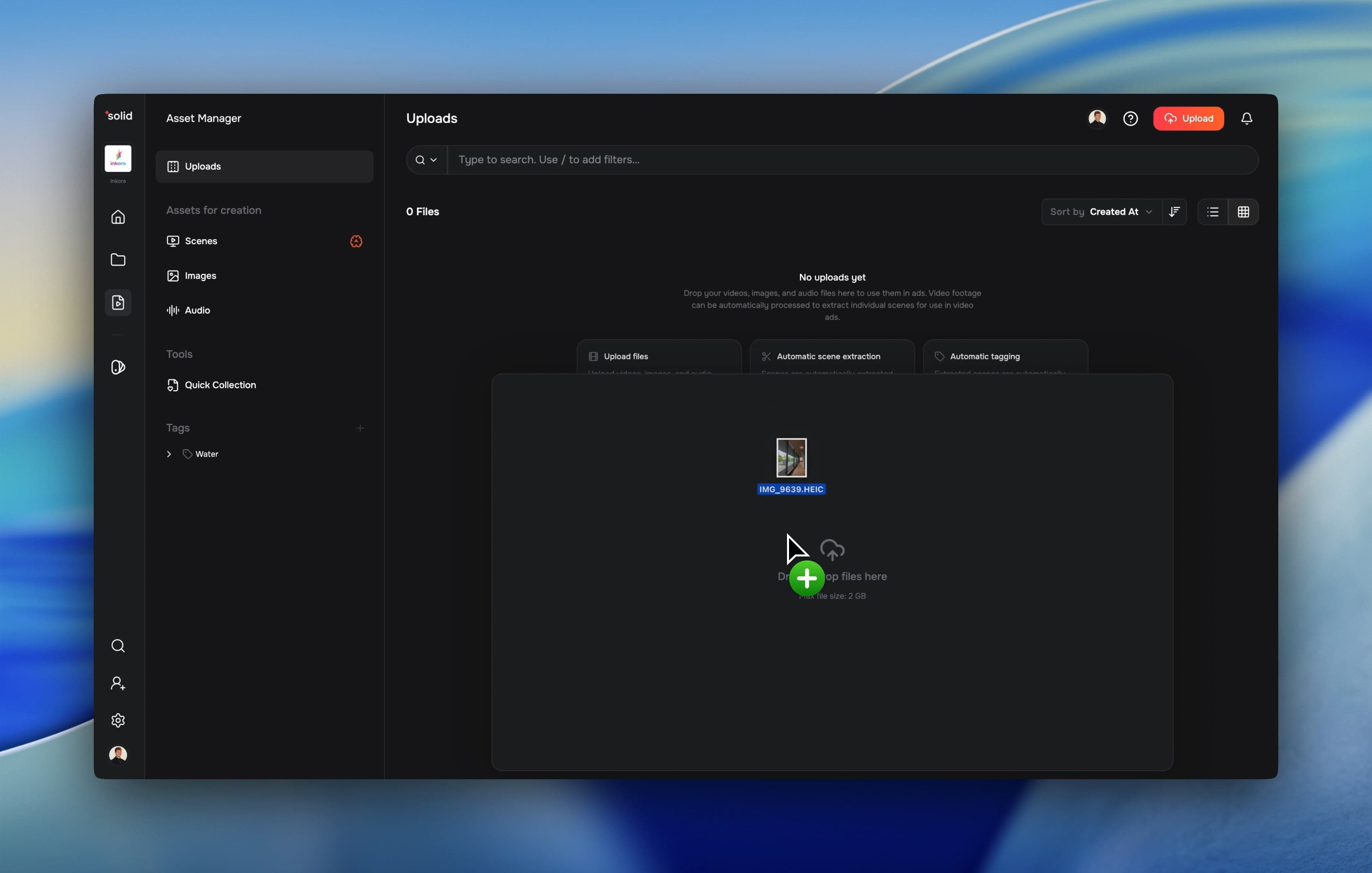
- Native HEIC Support: Upload iPhone photos directly to the editor without converting them first.
Unified Asset Library
Managing your media is now significantly faster and more organized. We merged all separate asset types into one global file system.
- Hierarchical Tagging: Organize files with a new tag tree component and multi-file tagging.
- Faster Uploads: A completely rebuilt upload processor handles your files faster and provides clear processing status updates.
- Auto-Tagging: The system now automatically tags files during scene processing to save you manual work.
Multi-Aspect Exports
You no longer need to manually duplicate projects to export different sizes for different platforms.
- Single-Job Rendering: Render the exact same composition in multiple aspect ratios simultaneously in one export job.
Transitions & Clip Ergonomics
We overhauled how clips interact on the timeline to speed up your editing workflow.
- Foundational Transitions: Add smooth transitions between video and image clips directly on the canvas.
- Fast Replacements: Swap a video clip with an image (or vice versa) without breaking your timeline structure.
- Clearer Audio: Track volumes are now displayed in precise decibels.
Native HEIC Support
Working with raw smartphone assets is now frictionless.
- Direct iPhone Uploads: Upload HEIC images directly from your phone.
- Instant Previews: Preview HEIC files natively in the UI without waiting for external conversion.
More Good Stuff
- Structured Brand Guidelines: We replaced the freeform brand memory with a strict, typed brand-guidelines model for better consistency.
- Smarter Captions: A new line-break algorithm makes automated captions easier to read.
- Expanded Languages: The voice picker now supports an expanded language list with free-form input.
- Script Editor Upgrades: We introduced variant name tracking and proper undo/redo functions for voice and script edits.
- Faster Project Creation: The new video creation flow now smartly opens projects based on your existing content.
Fixes & under the hood
- Fixed an issue where some users were logged out unexpectedly when encountering access errors.
- Improved ad assembler reliability by dodging payload limits and adding retry logic.
- Upgraded our AI infrastructure to Vertex AI for faster and more stable text and media generation.
- Fixed a bug in the onboarding