Packshot Endcard
The ad closes on a dedicated studio or graphic card showcasing the product packaging alongside the logo and offer.
How to spot it
A clean closing slate featuring arranged product packshots rather than a plain text-and-logo sign-off.
Verified on real video ads across 122 of 240 tracked brands (1,049 sightings across 79,497 ads).
Creative strategy
Why use Packshot Endcard
A well-composed packshot graphic turns spoken benefits into concrete packaging that shoppers recognize on a product page or store shelf. Arranging studio cutouts beside the logo and discount badge organizes the closing frame into one clean visual lockup. Strong background contrast and clear typography hold attention during the final seconds and lift brand recall.
When to use it
- Use packshot endcard graphics for skincare, supplements, cosmetics, and beverages where recognizable bottles or boxes anchor retail recall.
- Showcase multi-item starter kits and gift bundles in a styled closing layout that clearly displays all included packaging.
- Elevate handheld creator videos filmed in dim bedrooms by closing on a clean, studio-lit graphic product frame.
When to skip it
- Skip packaging endcards for digital services, SaaS tools, or mobile apps that lack physical bottles or boxes to composite.
- Avoid glossy studio graphic slates at the end of raw creator clips designed to feel like casual organic posts.
Production guide
How to produce Packshot Endcard
- 1
Prepare high-resolution transparent cutouts of your hero packaging with smooth edges and soft ground shadows so items feel natural.
- 2
Set the packshots over a solid brand color or gentle gradient that creates sharp visual contrast behind label text.
- 3
Arrange a clear vertical graphic hierarchy placing the brand logo up top, the product cutouts centered, and the offer badge below.
- 4
Apply subtle scale drift or staggered entrance motion to the packaging and badges so the closing card stays dynamic.
Common mistakes
- Cramming extra trust badges and fine print onto the card shrinks the product packaging until labels blur on mobile.
- Placing discount badges or logos near the bottom edge lets Meta and TikTok interface bars obscure key graphic details.
- Pasting flat cutouts onto a stark white screen with zero lighting depth makes the closing graphic feel cheap.
Field notes
Observed in real ads
- 1
The final frame displays floating cutouts of two different scent packages side by side against a solid pastel blue background.
- 2
A clean illustrated end screen displays the brand logo, bundle name, the two product bottles, the 10% off badge, and a yellow 'Jetzt sparen' CTA button.
- 3
A slow-panning close-up of the bottles and boxes serves as the background for the 'SHOP THE HAIR GROWTH ROUTINE' call to action.
Also called
Cross-layer recipes
Pairs well with
Combine Packshot Endcard with patterns from other layers to assemble a complete ad.
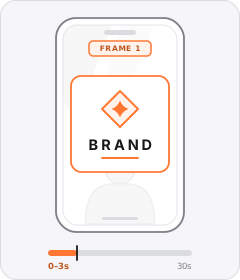
Brand Logo Opener
The ad opens on frame one with a prominent centred splash of the brand's logo or wordmark.
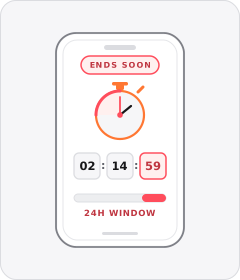
Limited-Time Offer
The ad warns that the discount or promotion is only available for a short window.

Native Text Box
On-screen copy uses the rounded-corner background pills of TikTok's or Instagram Reels' built-in text editor.
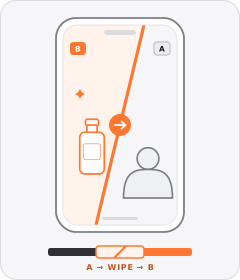
Wipe Transition
A sliding line, expanding graphic shape or passing foreground object sweeps across the frame to replace one shot with the next.
Start free
Build a Packshot Endcard ad in minutes
Start with 7 days free in a ready-made demo workspace. No credit card required.