Punch-In Zoom
The frame suddenly crops closer on the same camera angle to emphasise a key word, reaction or detail.
How to spot it
An instant scale-up or tight reframe on the speaker or product right as an important phrase lands, without changing camera angle.
Verified on real video ads across 136 of 240 tracked brands (469 sightings across 79,497 ads).
Creative strategy
Why use Punch-In Zoom
An instant crop closer acts like visual underlining, pulling the viewer's focus straight to a key phrase, price drop, or facial expression. Because the cut refreshes the frame size on the same shot, it breaks visual monotony even during simple single-camera talking-head ads. Editors can also disguise dialogue trims cleanly while giving important product claims extra weight.
When to use it
- Single-camera UGC and founder monologues add visual rhythm without needing extra B-roll or a second angle.
- Offer reveals, free-trial callouts, and bold guarantee claims benefit from sudden closer framing for emphasis.
- Comedic reactions, eye rolls, and raised eyebrows feel sharper when punched in tight at the exact beat.
When to skip it
- Low-resolution source footage turns soft and pixelated as soon as you scale the image up in editing.
- Tightly framed product shots leave no extra margin around the subject, causing key edges to get cropped off.
Production guide
How to produce Punch-In Zoom
- 1
Shoot talking-head footage in 4K with generous headroom so you can scale up cleanly to 120 or 135 percent.
- 2
Trigger the hard scale jump on the exact syllable of a key benefit, price point, or reaction beat.
- 3
Recenter the speaker's eyes or the product in the tighter frame so the jump feels deliberate and balanced.
- 4
Use punch-in cuts to hide dialogue jump cuts when removing pauses from a continuous single-camera take.
Common mistakes
- Punching in too slightly, such as five percent, looks like an accidental framing glitch to viewers.
- Zooming in on random filler words trains viewers to ignore the emphasis when your offer arrives.
- Cropping too tightly pushes the speaker's chin or product label behind mobile captions and overlay buttons.
Field notes
Observed in real ads
- 1
The camera digitally zooms in on the pouches in the woman's hand as she finishes her opening question.
- 2
The shot cuts to a tighter medium close-up on the presenter from the same angle to emphasize that the offer is free.
- 3
The shot cuts to a tighter framing of the person in the bear suit beckoning the viewer closer.
Also called
Cross-layer recipes
Pairs well with
Combine Punch-In Zoom with patterns from other layers to assemble a complete ad.
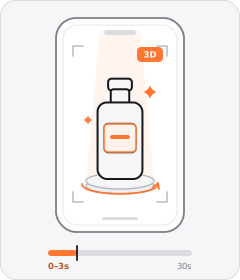
Product Hero Opener
The ad opens in the very first frame on a tight, polished studio or 3D shot of the product.
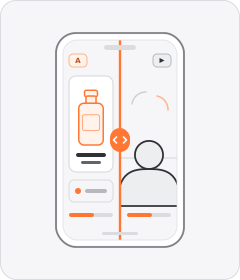
Split Screen
The video frame is divided into two or more panels playing simultaneously.
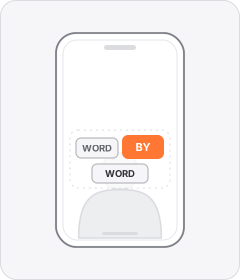
Word-by-Word Captions
Captions appear one word or a few words at a time, in sync with the speech.
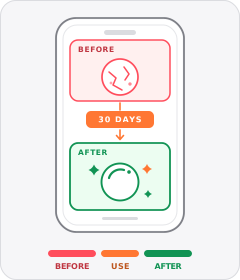
Before/After
The ad shows the same thing before and after using the product.
Start free
Build a Punch-In Zoom ad in minutes
Start with 7 days free in a ready-made demo workspace. No credit card required.